

tx 3 putt
Legacy Members
-
Joined
Everything posted by tx 3 putt
-
 that's a long list
 -
Lost to the 5-22 Pelicans Lost to the 6-22 Kings Lost to the 7-21 Clippers
-
a bad month of basketball
-
piss poor effort tonight
-
has chris paul ever improved a team / situation ?
-
every fucking time
-
$10,000 !!!!!
-
bring back the silver dancers !
-
his mlb grade will 99% offensive potential
-
all this my pirate feed is the okc broadcast team 😐😐
-
1. are there any maga active in this thread ? 2. question for the magas , if it was obama's name all over the epstein files instead of 'trump' how would maga feel about the validity of said files ?
-
the racist aggie stereo type falls in here .... switch 'Obama'' for 'trump' in the epstein files and they'd be marching on washington as we speak. it would all be 100% true
-
law wanting bookstores to rate books based on sexual content ...
-
aggies, the gift that keeps giving. every aggie stereo type is spot on .... Have you kids been able to cobble together when, where and to whom all these Trump rapes happen? What I wish this Christmas season is that for everyone naming Trump as a pedo with zero evidence is for that person to have the same allegation made against them, publicly, and that their lives be completely ruined by it.
-
texag question - How does anyone not want EVERYONE involved to have the maximum punishment? response - entire govt would collapse me - 🤣🤣🤣🤣🤣🤣🤣
taste of texas is hard to beat
good on dak ...
this guy nails it ....
lolololol .... After reading through the 33-page term sheet for the Chiefs' new stadium in Kansas, I think it's one of the most lopsided stadium deals in NFL history. Kansas is essentially giving the Chiefs $3 billion (stadium funding + mixed-use development funding + tax incentives), yet getting virtually nothing in return. The Chiefs get to keep 100% of the revenue from all stadium activities, including ticket sales, concessions, sponsorships, naming rights deals, personal seat licenses, and more. That applies to NFL games and all other events (concerts, basketball games, etc.). Kansas will own the stadium, with the Chiefs paying $7 million in rent annually. But that money doesn't go back to the state; it goes into an account the Chiefs can use for renovations, repairs, and operational expenses. That means the Chiefs can use their own rent money to hire stadium security, parking staff, and concession vendors throughout the season. I know Kansas had to offer a great deal to get the Chiefs to leave Arrowhead, but this is worse than I expected.
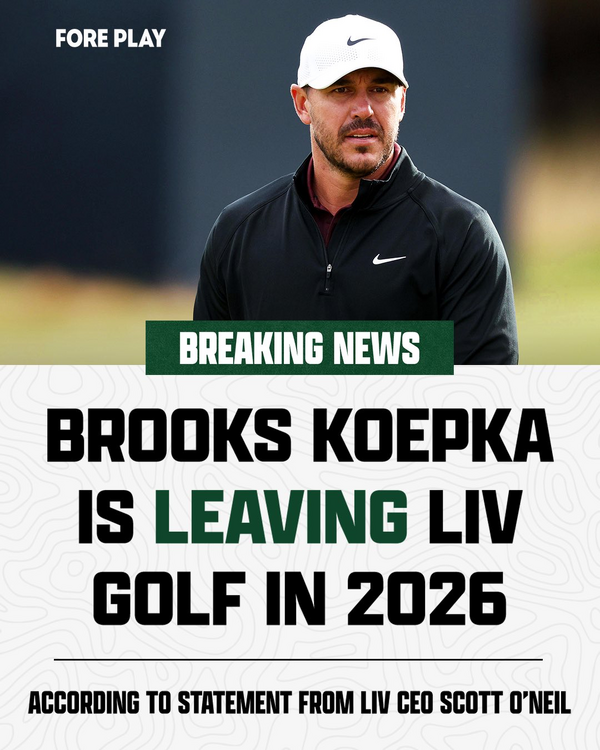
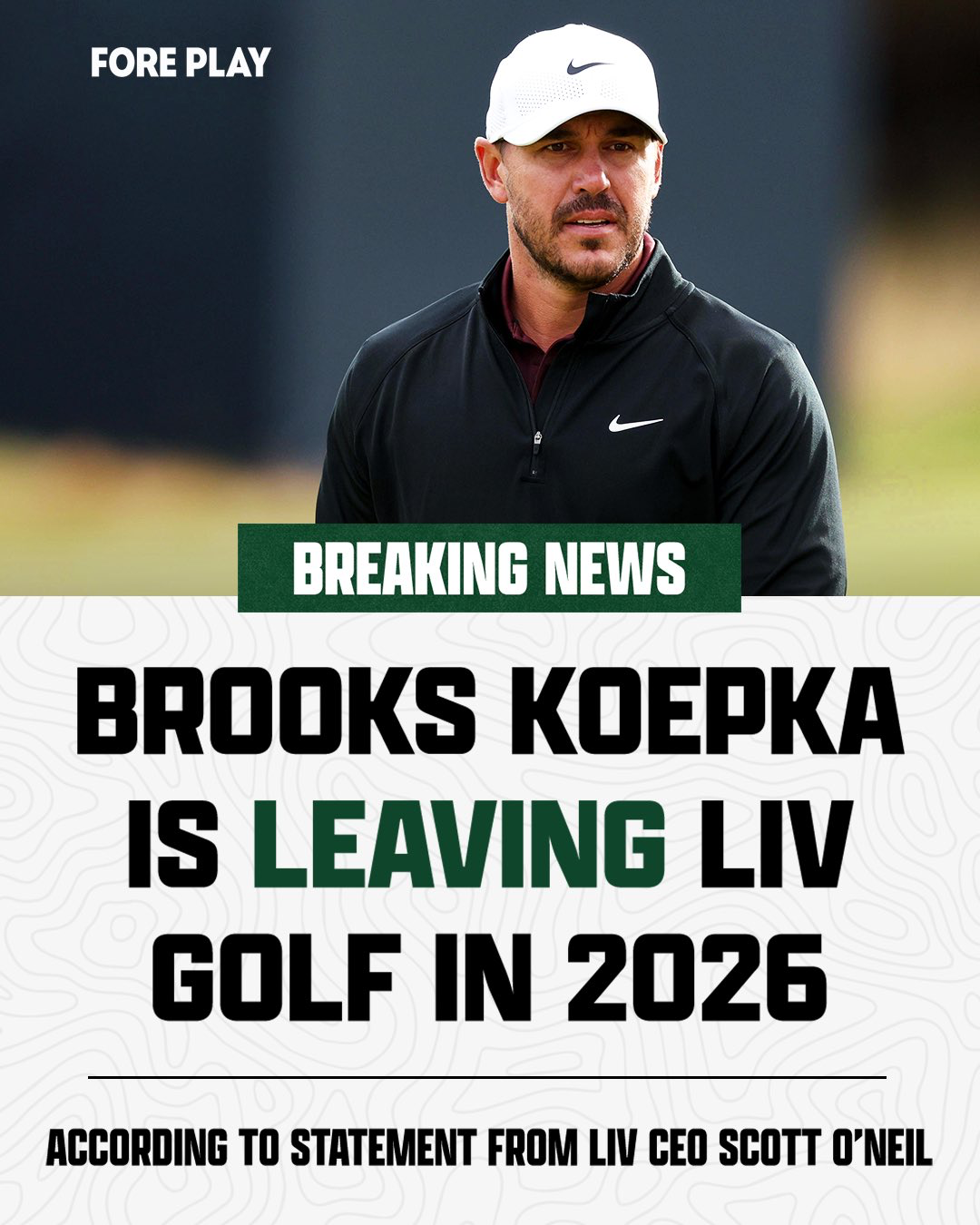
lulz LiV is on support .....






Football ...
Basketball ...
Baseball ...
Other Sports ...
Futbol ...
🤫995🤫 ...
Gambling ...
Movies & TV ...
Music ...
Hobbies ...
Lulz ...
Food & Travel
...
Daily Texan ...
Business & Markets ...
Cloak Room ...
Help ...
For Sale ...
Board Discussion ...
Advertise...
Tailgate Donations
Account
Search
Configure browser push notifications
Chrome (Android)
- Tap the lock icon next to the address bar.
- Tap Permissions → Notifications.
- Adjust your preference.
Chrome (Desktop)
- Click the padlock icon in the address bar.
- Select Site settings.
- Find Notifications and adjust your preference.
Safari (iOS 16.4+)
- Ensure the site is installed via Add to Home Screen.
- Open Settings App → Notifications.
- Find your app name and adjust your preference.
Safari (macOS)
- Go to Safari → Preferences.
- Click the Websites tab.
- Select Notifications in the sidebar.
- Find this website and adjust your preference.
Edge (Android)
- Tap the lock icon next to the address bar.
- Tap Permissions.
- Find Notifications and adjust your preference.
Edge (Desktop)
- Click the padlock icon in the address bar.
- Click Permissions for this site.
- Find Notifications and adjust your preference.
Firefox (Android)
- Go to Settings → Site permissions.
- Tap Notifications.
- Find this site in the list and adjust your preference.
Firefox (Desktop)
- Open Firefox Settings.
- Search for Notifications.
- Find this site in the list and adjust your preference.