Party_Taco
Legacy Members
-
Joined
-
Last visited
-
 This season is terrible… sticking around for the slim chance we see more of the lawyer on her back.
 -
Based on the story above, it seems as though we’re dictating control of their upcoming elections… and given what this gang orchestrated in the last one here, I have no doubt that outcome will be manipulated in “our” favor. This approach may present a light touch in terms of boots on the ground, but it’s just as likely to blow up in our faces IMO.
-
We’ve been engineered into stupidity and inaction… all part of the plan
-
-
-
-
-
-
lol so there’s no limit? Makes even less sense to stand on line…
-
Sooooo many losers camped out at the bryker woods Spec’s tonight. At least they were having fun and opening bottles for eachother, but my goodness people… is there no better use of your time?!
-
But also, oil…
-
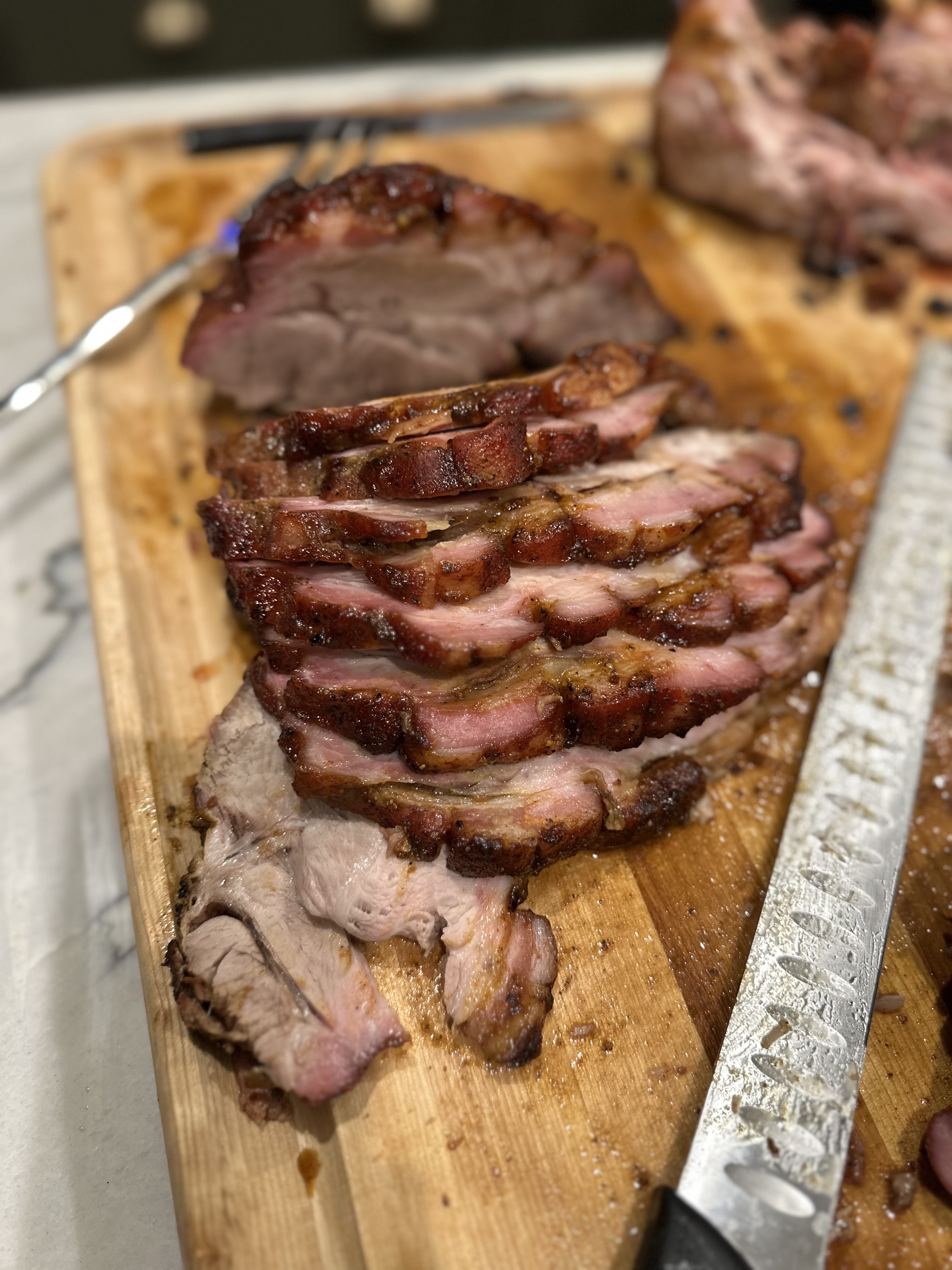
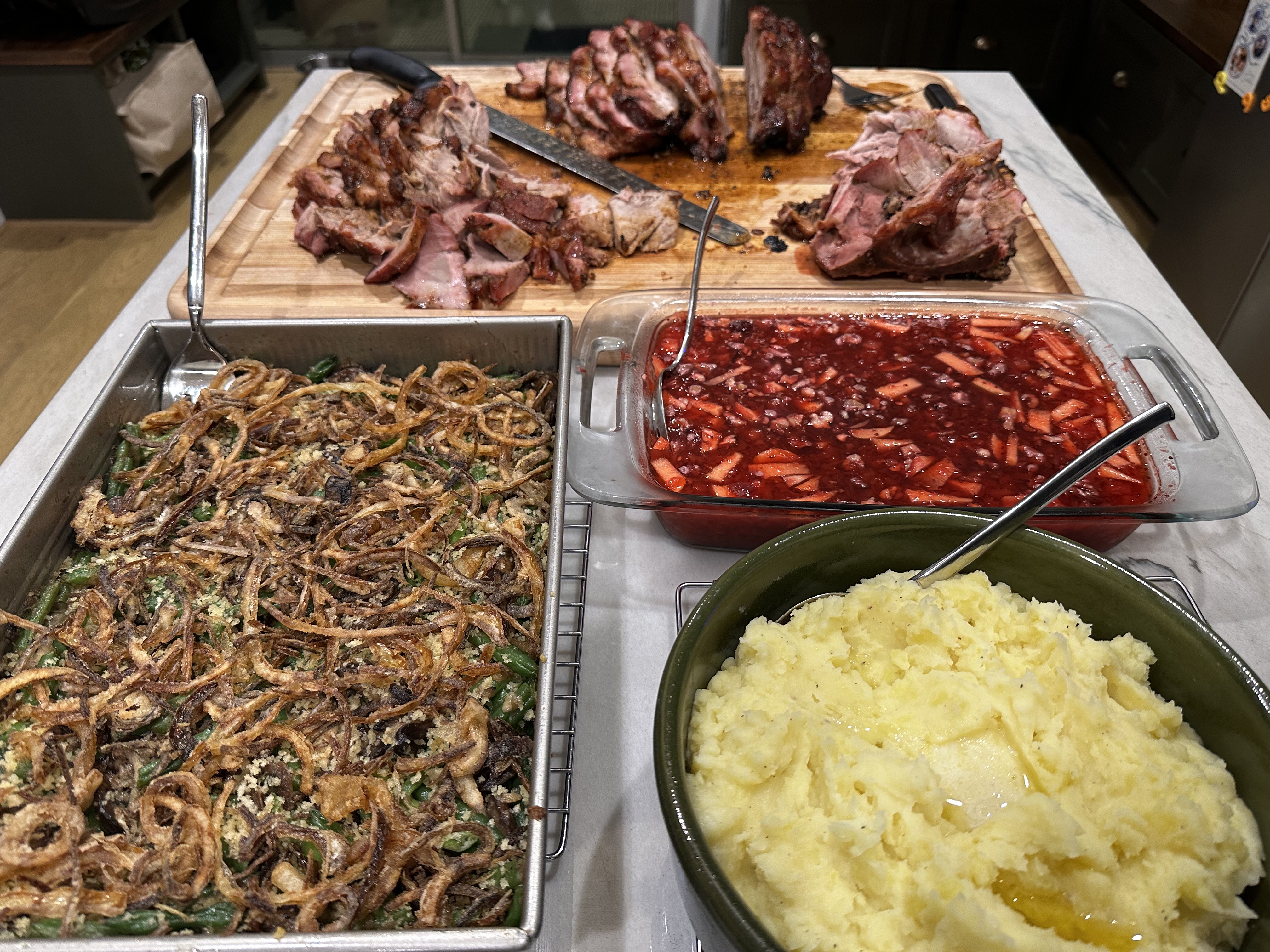
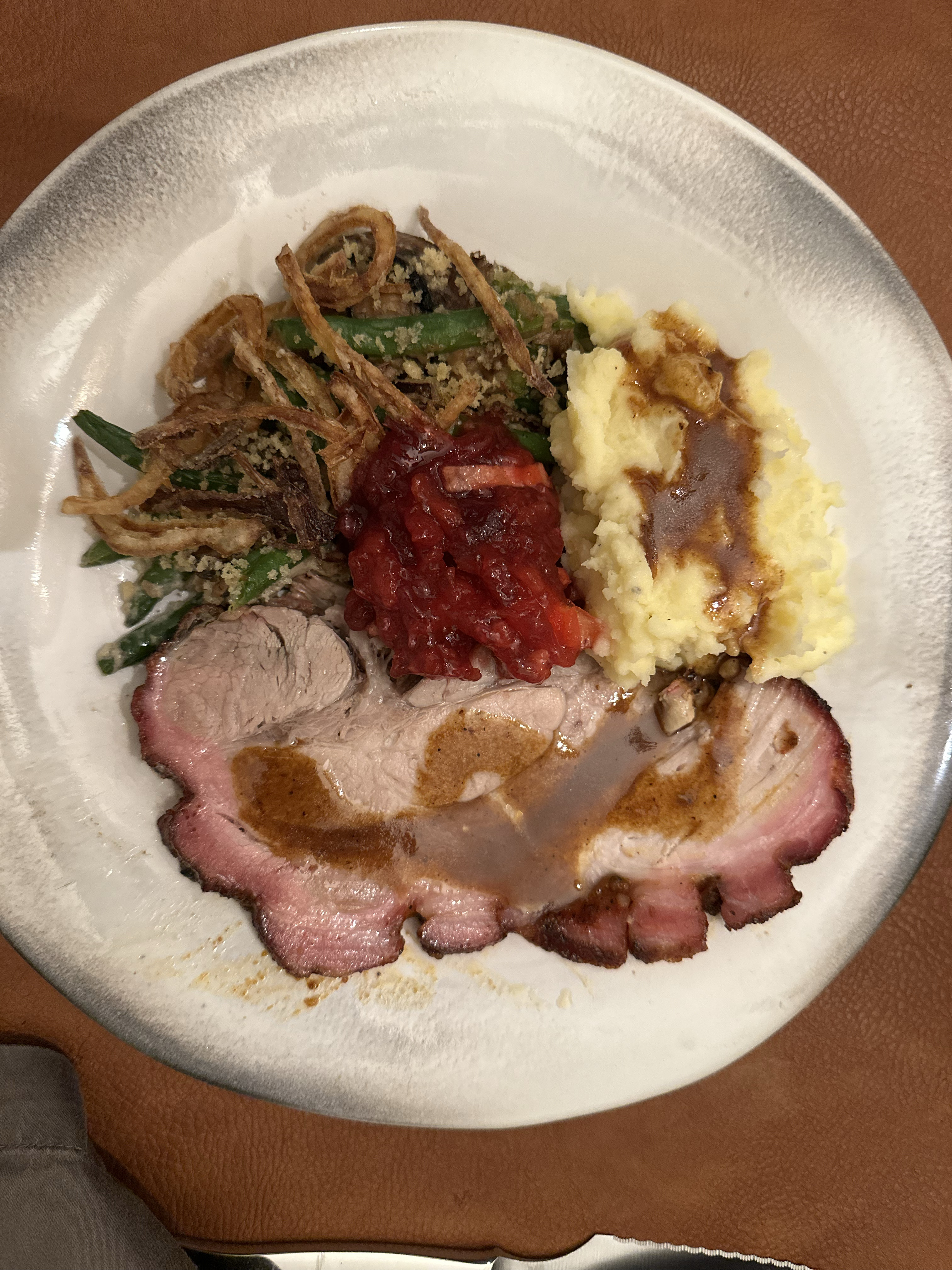
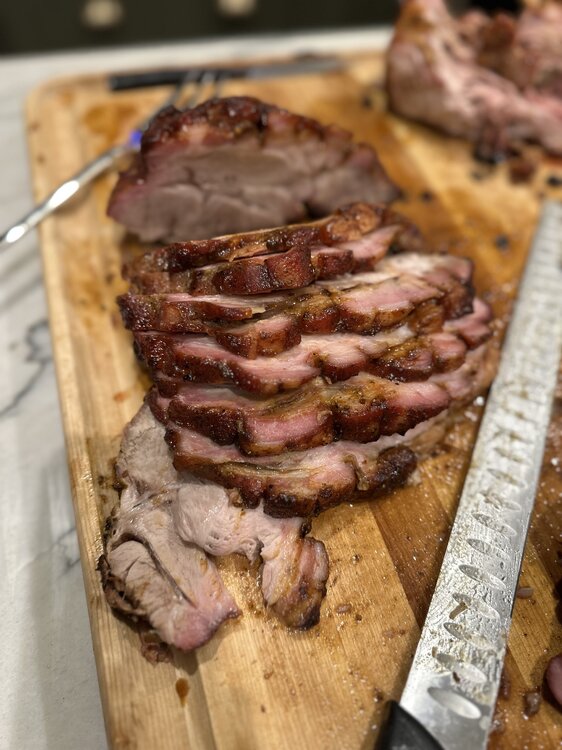
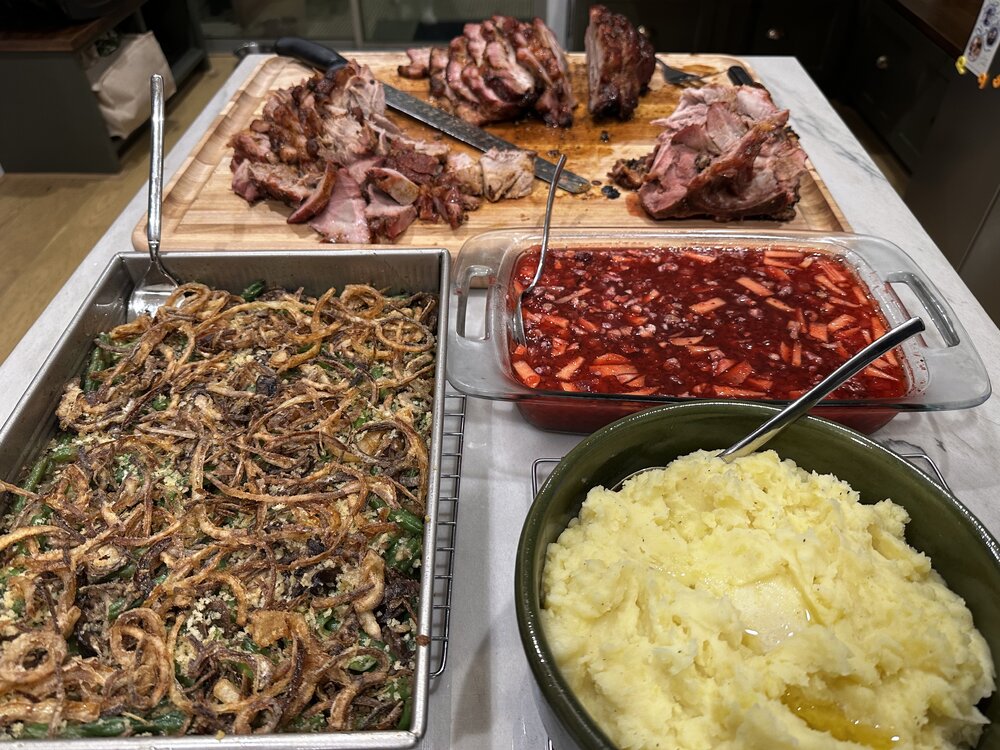
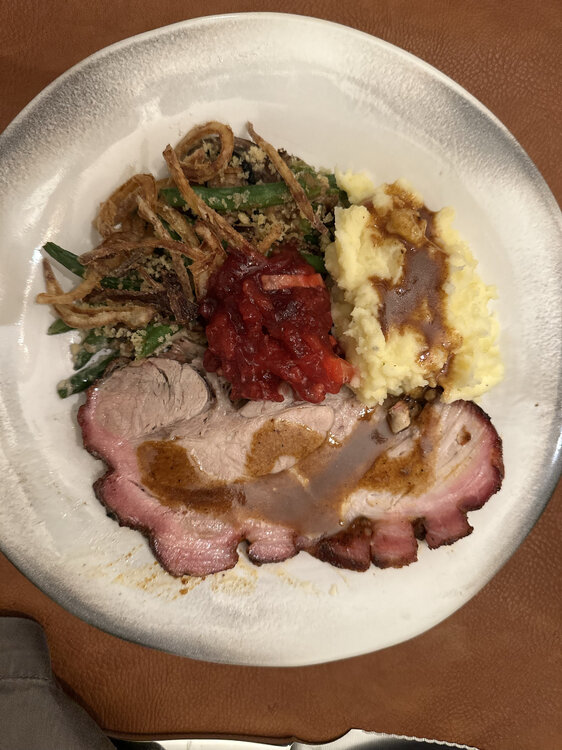
Final results…
-
Update:
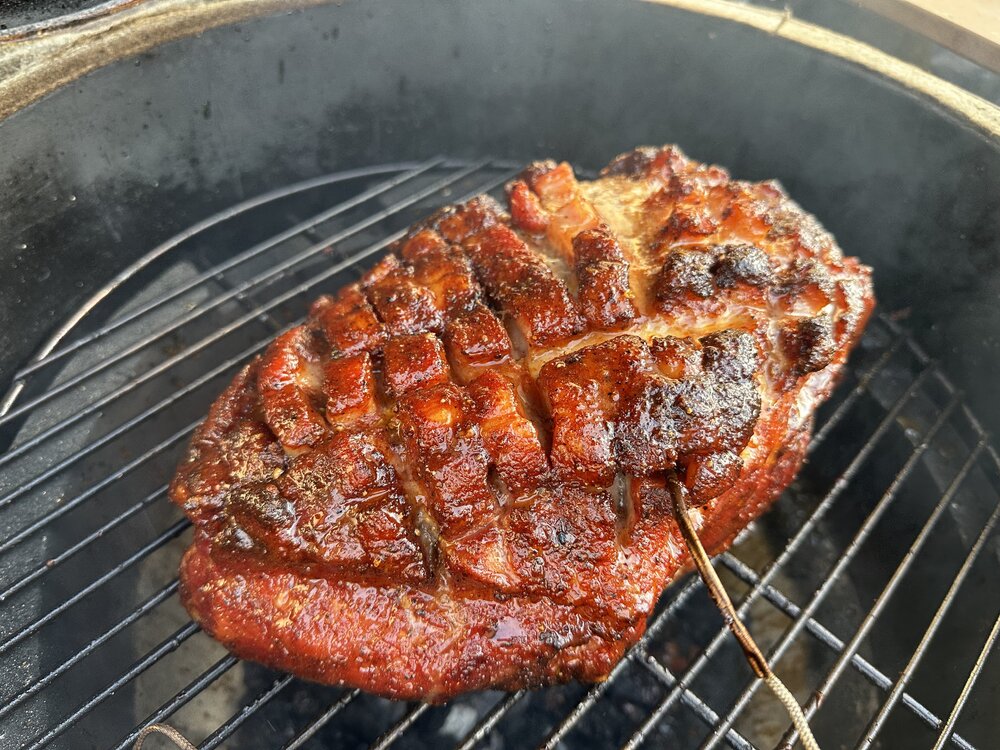
-
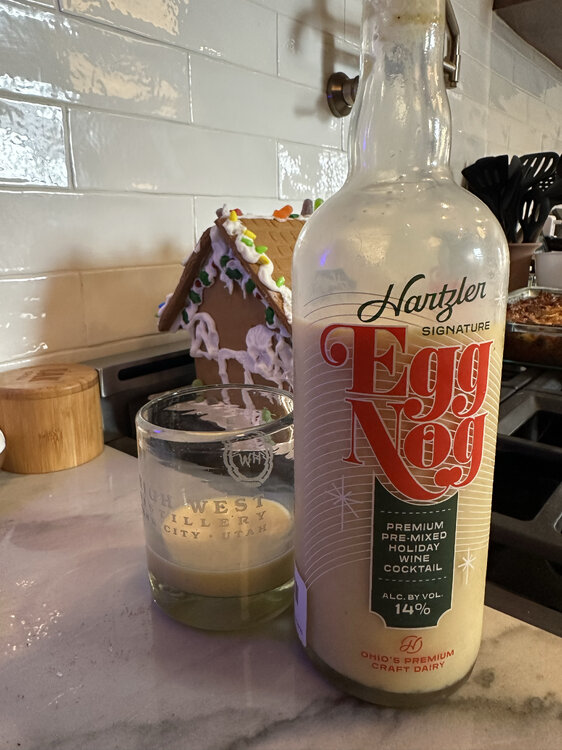
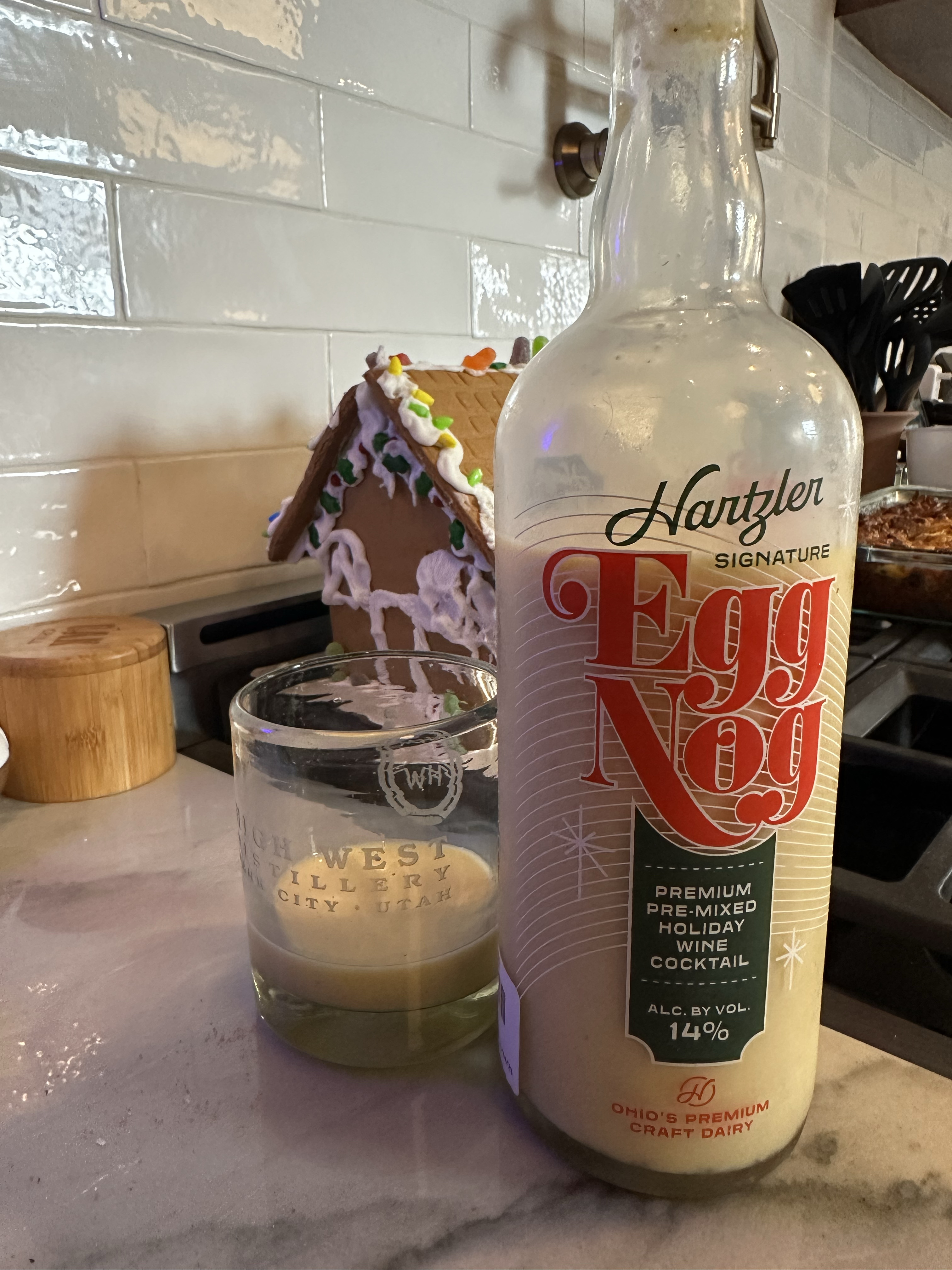
Try it and then judge… you could always add whiskey. Insanely good, and I’m a harsh critic.
-
This stuff is stupid good… perhaps the best I’ve had!