

Everything posted by Pancho
-
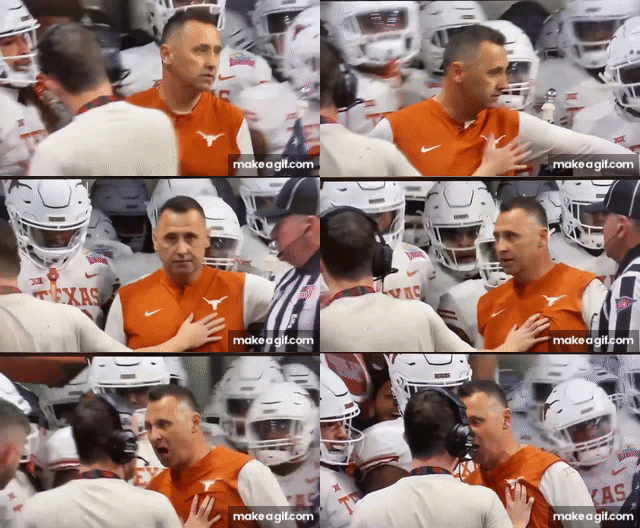
 I have that same sweatshirt as Sark but mine is burnt orange #bender #30daynotincompliance #Thailand
 -
She has standards
-
It’s Mississippi State, so the sec is like
-
WINGO!!
Leggo.
 ESPN showing Texas -8.5 now
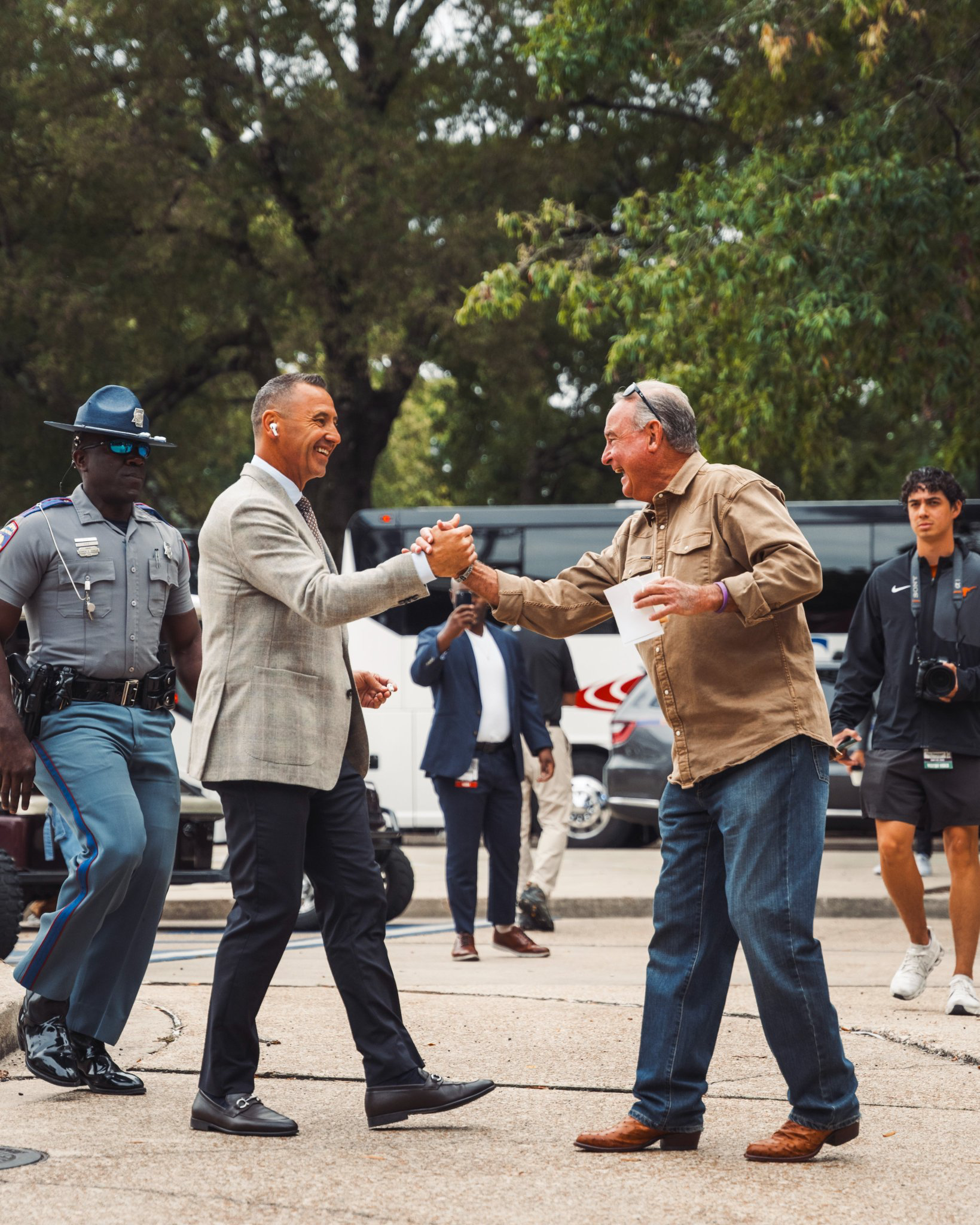
lol happiest I’ve seen him all season
ESPN showing Texas -8.5 now
lol happiest I’ve seen him all season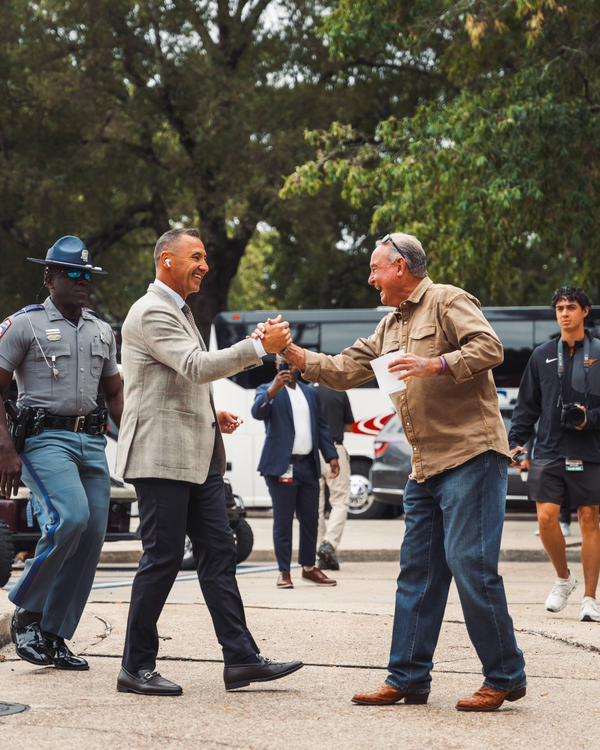 Haven’t you ever gone to Thailand, Mexico City, or Madrid after a depressive episode and come back, you know, happy?
Oh trust me, I know it’s not racial. Even I could tell you she looks very high maintenance. I know that after all of her instagram shit.
I’m not in on Freeman. I question if he can replicate what he’s done at ND at a new program. So I’d pass. Theres no reason Texas shouldn’t have the same success as Ohio State over the last 25 years. It seems like tOSU is never down, yet we are more often than not. If Sark leaves, Texas brass needs to do a hard look at themselves and ask what they need to do—or not do—to get this next hire right.
How do I get to be on Nicole’s insider street family?
Helobious
Please retire the phrase "large humans." It's douchy and stupid.
Yeah they are trying to play this up as some big time thing. This is so performative. All of this will be forgotten by SaturdayFootball ... Basketball ... Baseball ... Other Sports ... Futbol ... 🤫995🤫 ... Gambling ... Movies & TV ... Music ... Hobbies ... Lulz ... Food & Travel ... Daily Texan ... Business & Markets ... Cloak Room ... Help ... For Sale ... Board Discussion ... Advertise... Tailgate Donations
Haven’t you ever gone to Thailand, Mexico City, or Madrid after a depressive episode and come back, you know, happy?
Oh trust me, I know it’s not racial. Even I could tell you she looks very high maintenance. I know that after all of her instagram shit.
I’m not in on Freeman. I question if he can replicate what he’s done at ND at a new program. So I’d pass. Theres no reason Texas shouldn’t have the same success as Ohio State over the last 25 years. It seems like tOSU is never down, yet we are more often than not. If Sark leaves, Texas brass needs to do a hard look at themselves and ask what they need to do—or not do—to get this next hire right.
How do I get to be on Nicole’s insider street family?
Helobious
Please retire the phrase "large humans." It's douchy and stupid.
Yeah they are trying to play this up as some big time thing. This is so performative. All of this will be forgotten by SaturdayFootball ... Basketball ... Baseball ... Other Sports ... Futbol ... 🤫995🤫 ... Gambling ... Movies & TV ... Music ... Hobbies ... Lulz ... Food & Travel ... Daily Texan ... Business & Markets ... Cloak Room ... Help ... For Sale ... Board Discussion ... Advertise... Tailgate Donations






Account
Search
Configure browser push notifications
Chrome (Android)
- Tap the lock icon next to the address bar.
- Tap Permissions → Notifications.
- Adjust your preference.
Chrome (Desktop)
- Click the padlock icon in the address bar.
- Select Site settings.
- Find Notifications and adjust your preference.
Safari (iOS 16.4+)
- Ensure the site is installed via Add to Home Screen.
- Open Settings App → Notifications.
- Find your app name and adjust your preference.
Safari (macOS)
- Go to Safari → Preferences.
- Click the Websites tab.
- Select Notifications in the sidebar.
- Find this website and adjust your preference.
Edge (Android)
- Tap the lock icon next to the address bar.
- Tap Permissions.
- Find Notifications and adjust your preference.
Edge (Desktop)
- Click the padlock icon in the address bar.
- Click Permissions for this site.
- Find Notifications and adjust your preference.
Firefox (Android)
- Go to Settings → Site permissions.
- Tap Notifications.
- Find this site in the list and adjust your preference.
Firefox (Desktop)
- Open Firefox Settings.
- Search for Notifications.
- Find this site in the list and adjust your preference.