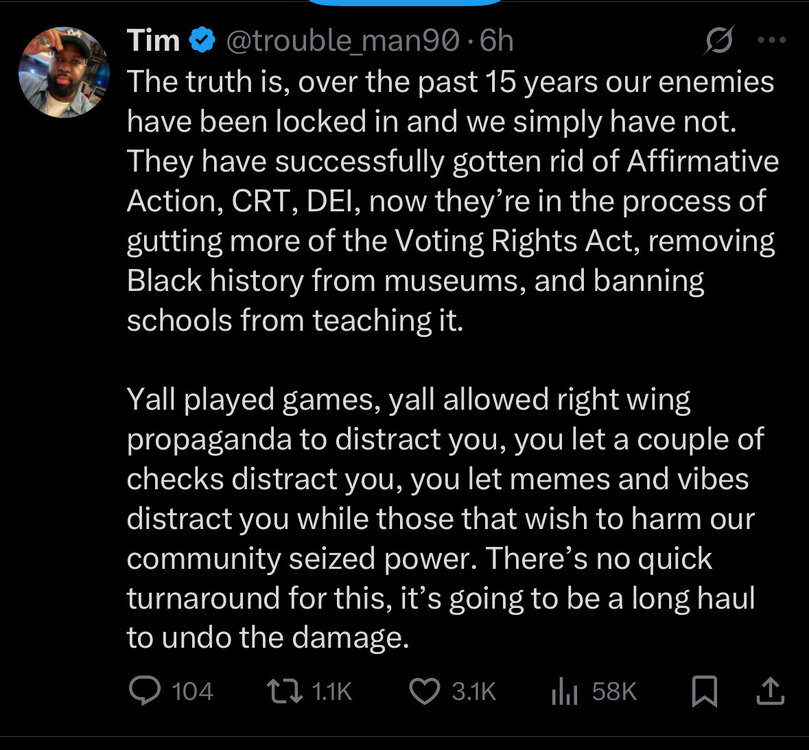
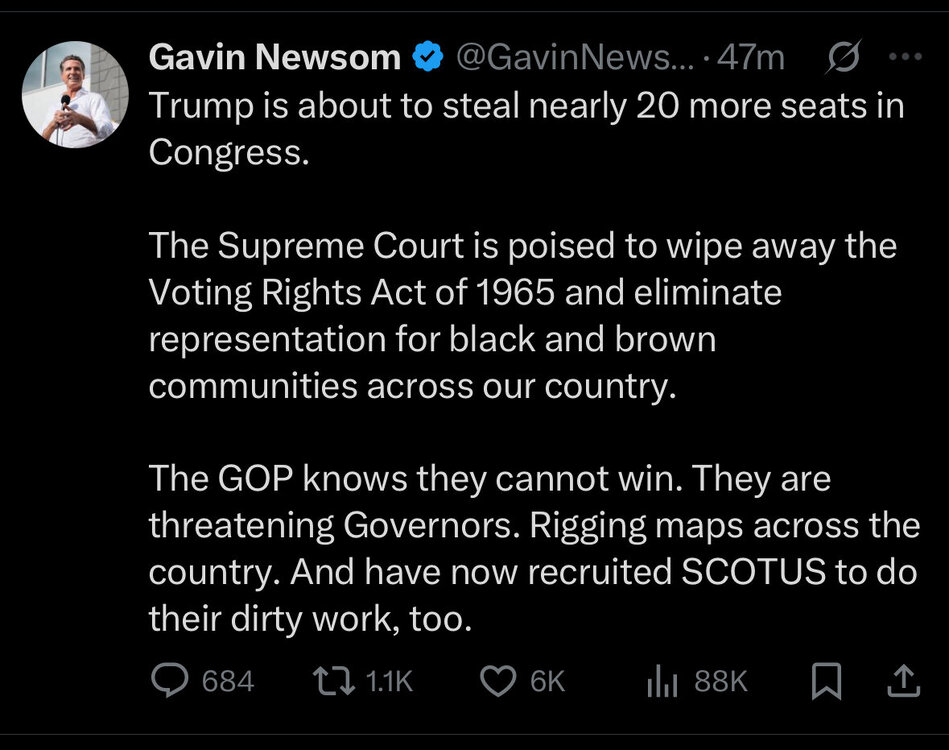
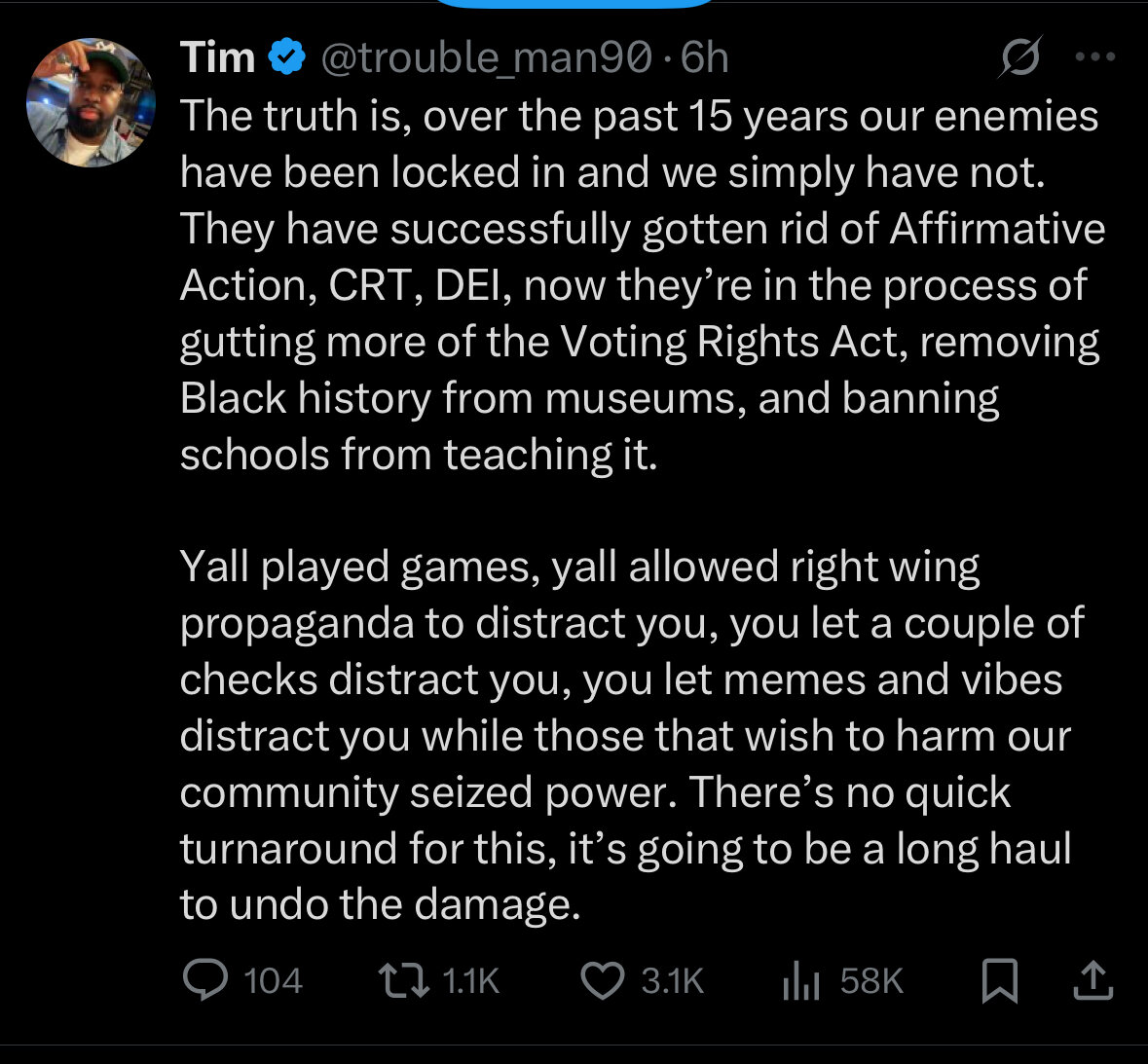
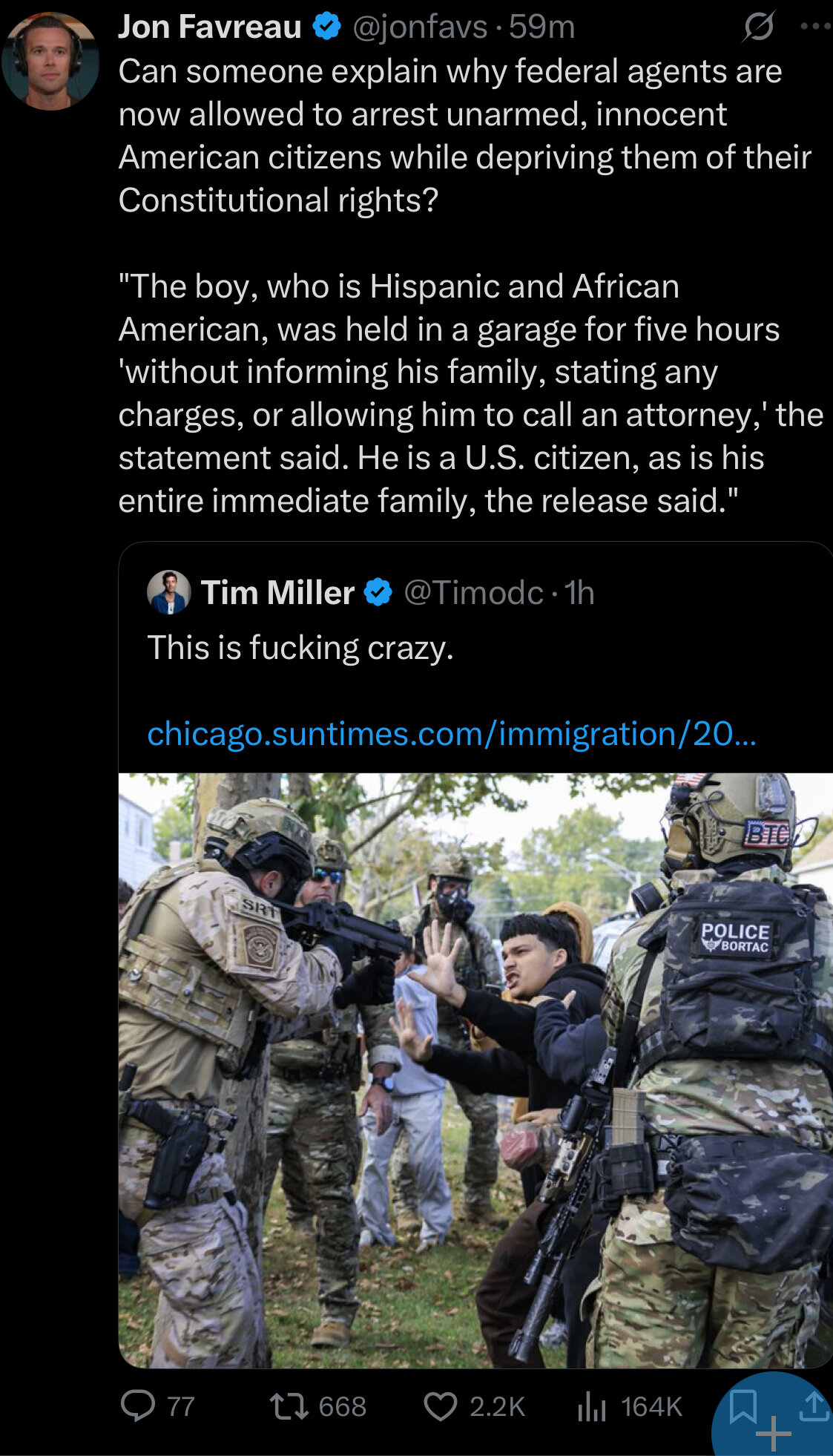
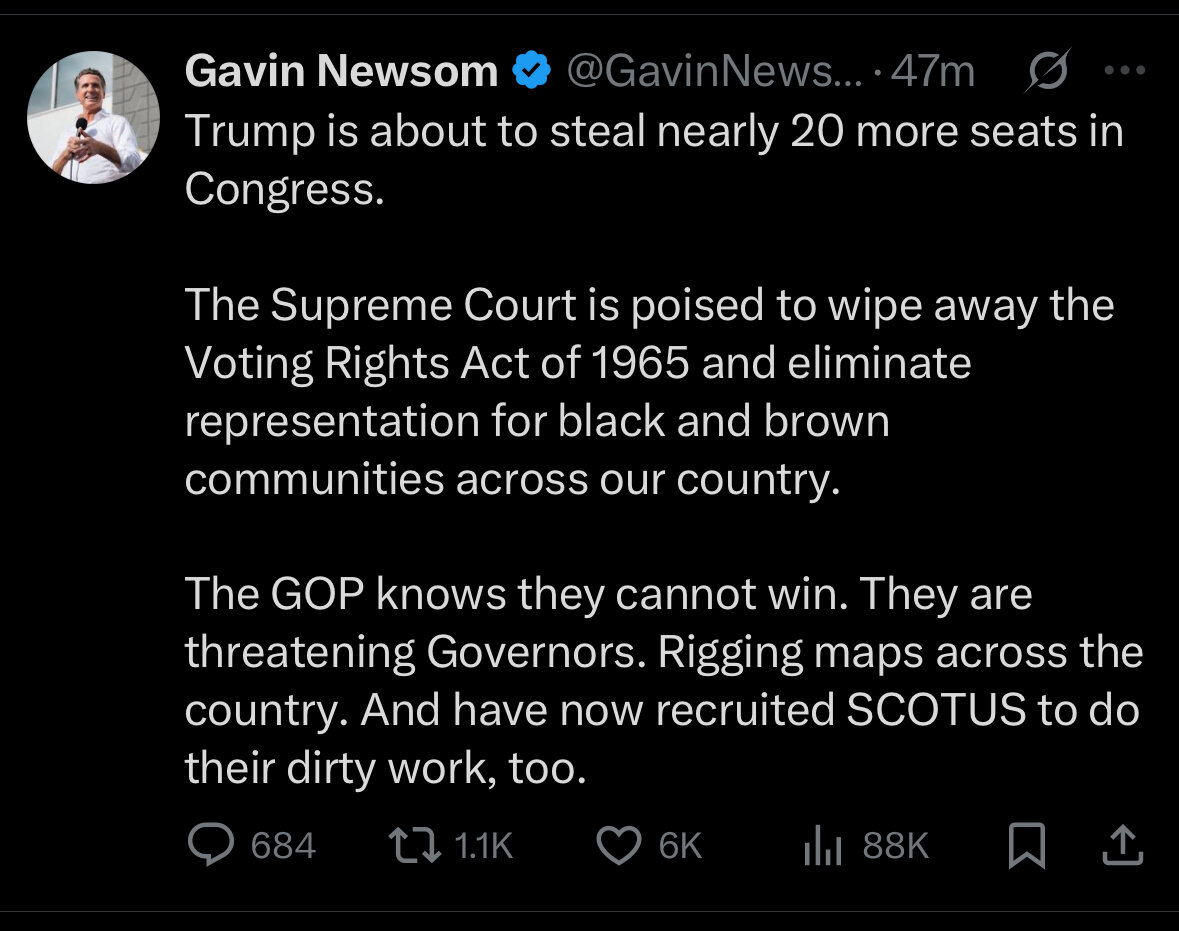
I’ve said something like this to friends. Too many people were saying “that will never happen” or “you’re overreacting” or “Americans won’t let that happen in our country so stop worrying” yet here we are. And we have people—on this very website—who don’t think things are that bad
Not sure why this bothers me so much, but…
More and more of the young folk just lean the plates against the machine or rack instead of re-racking them. they’ll lean four or five 45 plates on the side of the machine instead of just racking them.
Then, more and more folks are just re-racking plates not in the right spot but just anywhere. The 45 plates will be re-racked where the 2.5 plates should be and the 5 plates will be where the 45 plates are supposed to go. I guess I should just be happy the plates are getting put up?
Huh? The Kaepernick thing happened nearly a decade ago. How are these people still stuck on this and Obama? It’s like they have to search about cultural shit to force themselves to be angry about it
A&M is also getting a ton of love. Cover 3 bros say they are the top team in the SEC and a lock for the playoffs. They have A&M going 11-1 or 10-2 at worst.
Arkansas only lost by 3 to Tennessee in Knoxville.
Elko is also getting talked about for the Penn State job.
This is the start of 3 straight road games for them so what better way to start the road tests than by losing to Arkansas who has nothing to lose.