Everything posted by The Dog
-
 Some of you are under the illusion that the GOP wanted to open the government. They were just fine letting Trump do his thing without the inconvenience of a legislature.
 -
This is a good explanation of the bigger picture. IMHO Mike Johnson didn't want to bring the House back before the special election that will be held in December in Tennessee (which will give the GOP enough votes to stop the discharge petition on the Epstein files). Now he has to bring everyone back before he was ready, and also there's no guarantee that he can get his caucus to support the Senate version of the bill. Importantly, there isn't a filibuster in the House so if things go to shit (they will) then it's all on the GOP at that point. That said, the optics of this are bad and Schumer deserves a lot of heat for it. Make no mistake - he was driving this and the caucus agreed who would be the 8 to cross over and take the heat.
-
Full text of Pegram's tweet:
-
Apparently the leadership at the universities that want this were trying to jam it through without Board approval and now they are pushing back.
Did NOT expect this:
 the backstory of this is insane. Amarillo High used an ineligible player due to a clerical error, and UIL issued a punitive penalty causing AHS to forfeit several games. Thus the coin flip to get into the playoffs. They are playing an El Paso school on the road (that they will crush) in bi-district.
Will Johnson bring the House back in session to pass this? Source: https://www.politico.com/news/2025/11/09/government-funding-deal-on-track-to-advance-sunday-night-00644110
March for Arch next year.
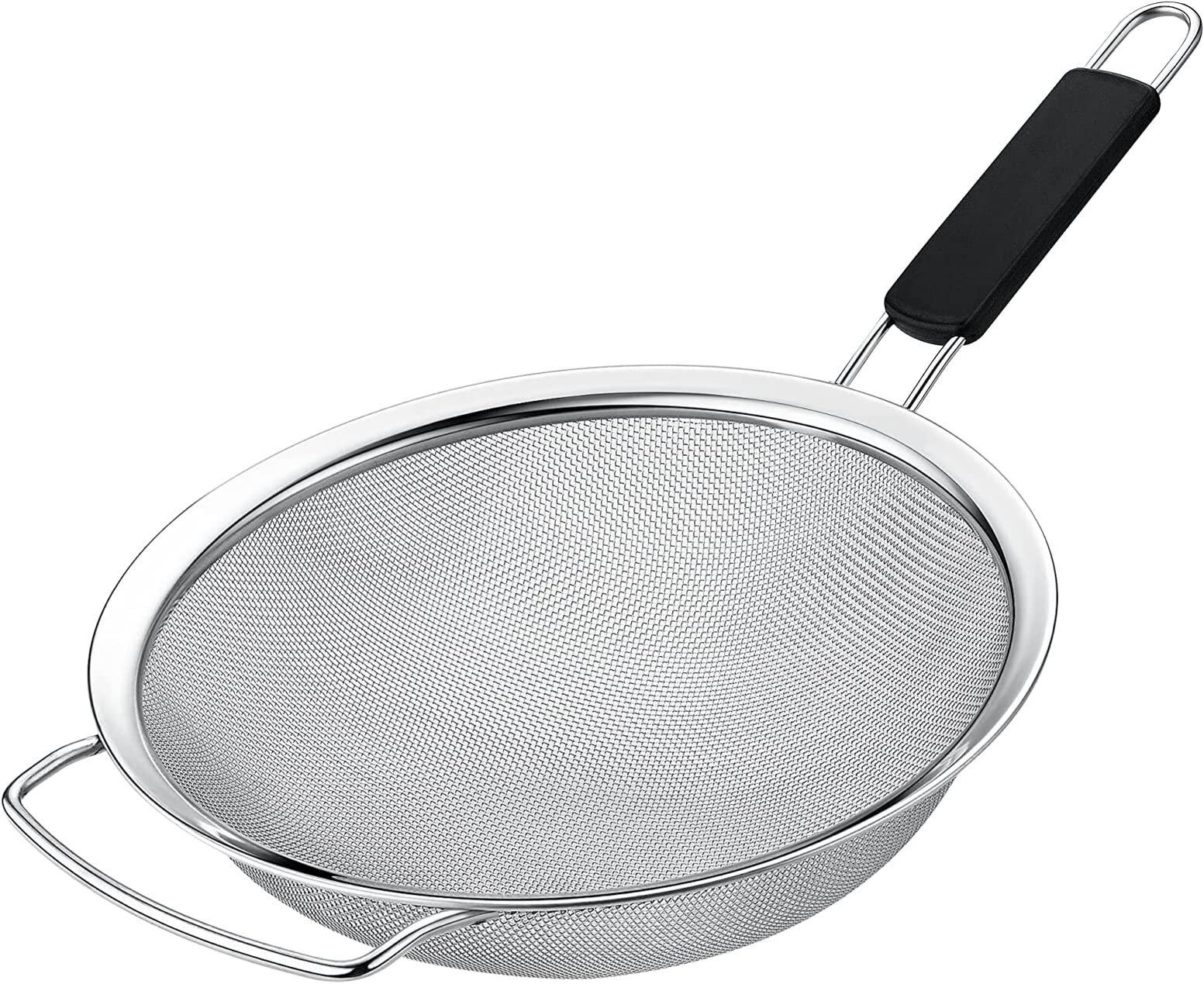
BEHOLD! THE STEEL SIEVE!
the backstory of this is insane. Amarillo High used an ineligible player due to a clerical error, and UIL issued a punitive penalty causing AHS to forfeit several games. Thus the coin flip to get into the playoffs. They are playing an El Paso school on the road (that they will crush) in bi-district.
Will Johnson bring the House back in session to pass this? Source: https://www.politico.com/news/2025/11/09/government-funding-deal-on-track-to-advance-sunday-night-00644110
March for Arch next year.
BEHOLD! THE STEEL SIEVE!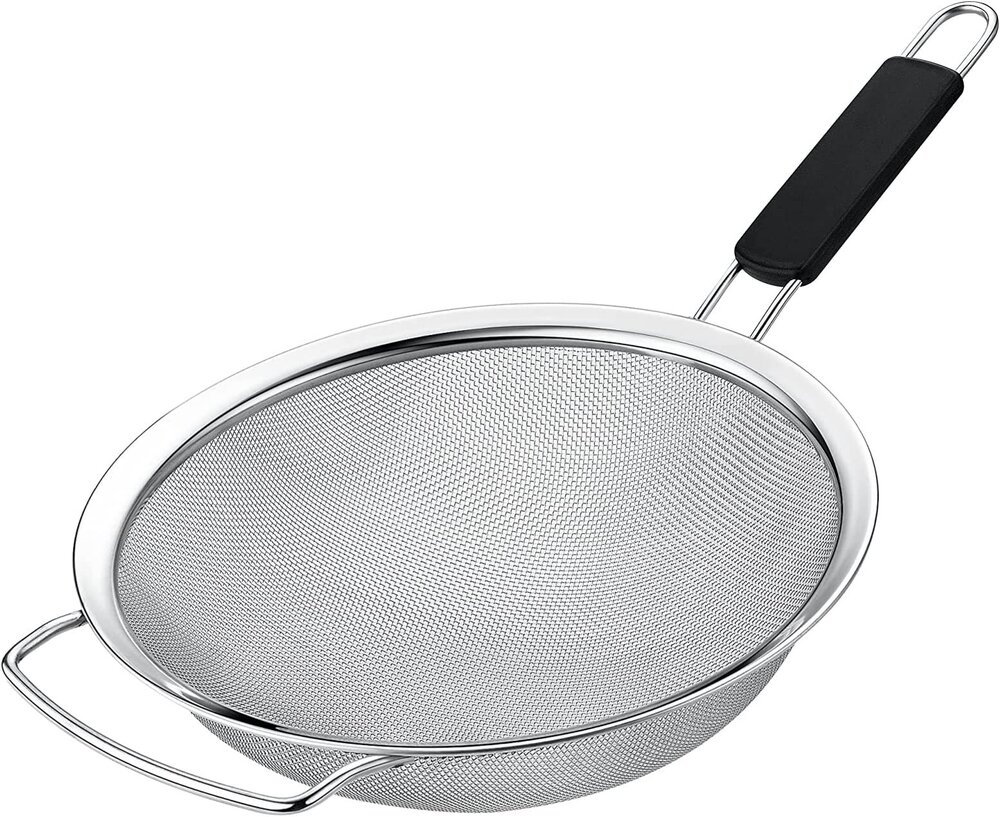 I get it but Max and his team seemed on the same page. Hard to argue against that.
It was a tough call - stay out with a chance to win but also risk missing the podium altogether, or pit and guarantee a podium finish. Still an amazing effort.
Wonder if the Vikings regret letting Darnold go…
Max gonna catch them all.
We're seeing a more shrewd politician than we thought who is thinking about a post-Trump GOP. She's doing this to ensure she has a seat at the table. Pivoting to the mainstream is a good political move long-term regardless of whether she seeks anything more than repping her district. She's criticized the GOP in the past for not being prepared to move on from Trump. So she's decided "fuck it, I'll do it myself!"
Football ... Basketball ... Baseball ... Other Sports ... Futbol ... 🤫995🤫 ... Gambling ... Movies & TV ... Music ... Hobbies ... Lulz ... Food & Travel ... Daily Texan ... Business & Markets ... Cloak Room ... Help ... For Sale ... Board Discussion ... Advertise... Tailgate Donations
I get it but Max and his team seemed on the same page. Hard to argue against that.
It was a tough call - stay out with a chance to win but also risk missing the podium altogether, or pit and guarantee a podium finish. Still an amazing effort.
Wonder if the Vikings regret letting Darnold go…
Max gonna catch them all.
We're seeing a more shrewd politician than we thought who is thinking about a post-Trump GOP. She's doing this to ensure she has a seat at the table. Pivoting to the mainstream is a good political move long-term regardless of whether she seeks anything more than repping her district. She's criticized the GOP in the past for not being prepared to move on from Trump. So she's decided "fuck it, I'll do it myself!"
Football ... Basketball ... Baseball ... Other Sports ... Futbol ... 🤫995🤫 ... Gambling ... Movies & TV ... Music ... Hobbies ... Lulz ... Food & Travel ... Daily Texan ... Business & Markets ... Cloak Room ... Help ... For Sale ... Board Discussion ... Advertise... Tailgate DonationsAccount
Search
Configure browser push notifications
Chrome (Android)
- Tap the lock icon next to the address bar.
- Tap Permissions → Notifications.
- Adjust your preference.
Chrome (Desktop)
- Click the padlock icon in the address bar.
- Select Site settings.
- Find Notifications and adjust your preference.
Safari (iOS 16.4+)
- Ensure the site is installed via Add to Home Screen.
- Open Settings App → Notifications.
- Find your app name and adjust your preference.
Safari (macOS)
- Go to Safari → Preferences.
- Click the Websites tab.
- Select Notifications in the sidebar.
- Find this website and adjust your preference.
Edge (Android)
- Tap the lock icon next to the address bar.
- Tap Permissions.
- Find Notifications and adjust your preference.
Edge (Desktop)
- Click the padlock icon in the address bar.
- Click Permissions for this site.
- Find Notifications and adjust your preference.
Firefox (Android)
- Go to Settings → Site permissions.
- Tap Notifications.
- Find this site in the list and adjust your preference.
Firefox (Desktop)
- Open Firefox Settings.
- Search for Notifications.
- Find this site in the list and adjust your preference.