The Dog
Burnt Ends
-
Joined
-
Last visited
Everything posted by The Dog
-
 Her agent needs to get to work.
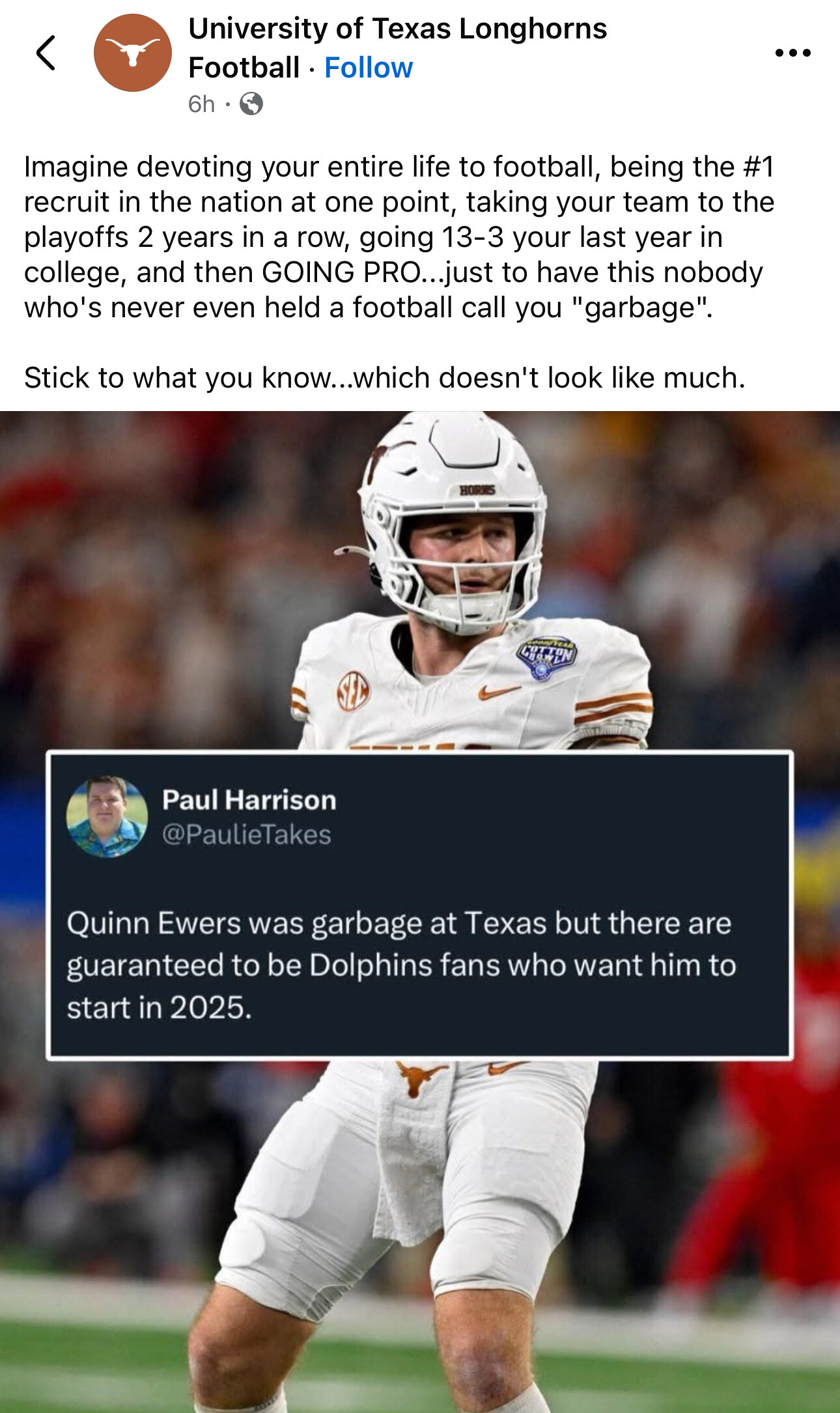
you mentioned this earlier but I think his inconsistency is directly tied to always being injured/coming back from injuries. He wasn't the same player against Georgia that he was against Michigan. Daniel Jeremiah mentioned that he didn't feel that Ewers took that "next step" this year. It's hard to grow as a player when you're spending 4-6 weeks every season in the trainer's room rehabbing another injury.
yeah he should have finished this. oof.
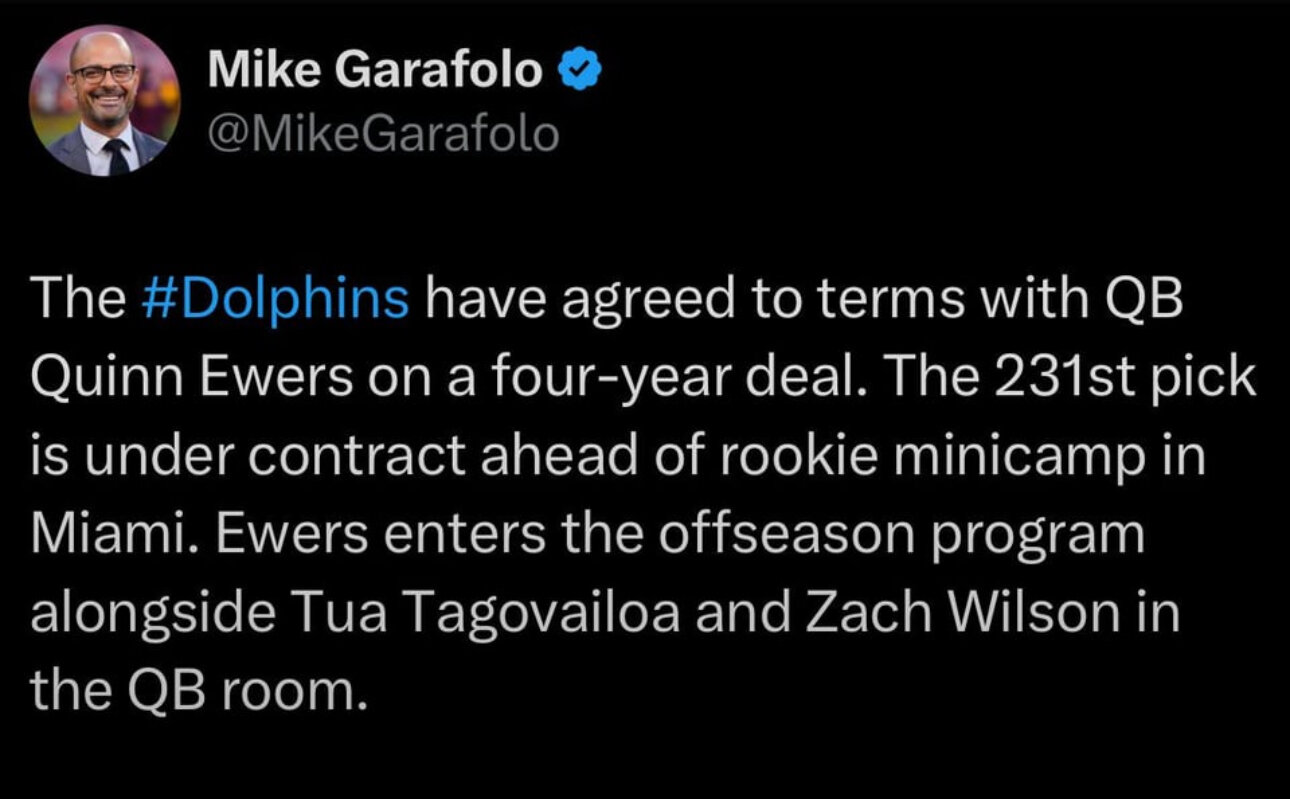
Here's how Miami's QB situation will go: Tua will get concussed; MILF hunter will come in and suck; Ewers will come in and play well - giving the Dolphins fans hope - then get injured because he always does; Miami trades (on an overpay) for Kirk Cousins.
Which of you is Paul?
Her agent needs to get to work.
you mentioned this earlier but I think his inconsistency is directly tied to always being injured/coming back from injuries. He wasn't the same player against Georgia that he was against Michigan. Daniel Jeremiah mentioned that he didn't feel that Ewers took that "next step" this year. It's hard to grow as a player when you're spending 4-6 weeks every season in the trainer's room rehabbing another injury.
yeah he should have finished this. oof.
Here's how Miami's QB situation will go: Tua will get concussed; MILF hunter will come in and suck; Ewers will come in and play well - giving the Dolphins fans hope - then get injured because he always does; Miami trades (on an overpay) for Kirk Cousins.
Which of you is Paul?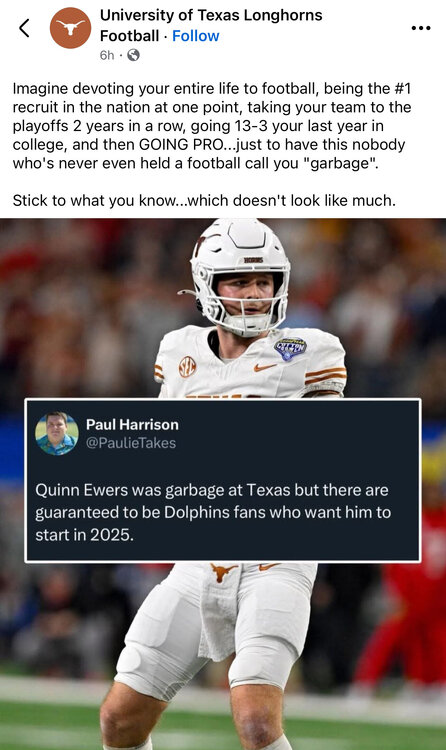 Agreed.
Yep. Most teams only carry 2 QBs so he’s competing for the backup job with MILF Hunter. that said, Miami has kept 3 QBs on the roster and still may do so.
Football ... Basketball ... Baseball ... Other Sports ... Futbol ... 🤫995🤫 ... Gambling ... Movies & TV ... Music ... Hobbies ... Lulz ... Food & Travel ... Daily Texan ... Business & Markets ... Cloak Room ... Help ... For Sale ... Board Discussion ... Advertise... Tailgate Donations
Agreed.
Yep. Most teams only carry 2 QBs so he’s competing for the backup job with MILF Hunter. that said, Miami has kept 3 QBs on the roster and still may do so.
Football ... Basketball ... Baseball ... Other Sports ... Futbol ... 🤫995🤫 ... Gambling ... Movies & TV ... Music ... Hobbies ... Lulz ... Food & Travel ... Daily Texan ... Business & Markets ... Cloak Room ... Help ... For Sale ... Board Discussion ... Advertise... Tailgate DonationsAccount
Search
Configure browser push notifications
Chrome (Android)
- Tap the lock icon next to the address bar.
- Tap Permissions → Notifications.
- Adjust your preference.
Chrome (Desktop)
- Click the padlock icon in the address bar.
- Select Site settings.
- Find Notifications and adjust your preference.
Safari (iOS 16.4+)
- Ensure the site is installed via Add to Home Screen.
- Open Settings App → Notifications.
- Find your app name and adjust your preference.
Safari (macOS)
- Go to Safari → Preferences.
- Click the Websites tab.
- Select Notifications in the sidebar.
- Find this website and adjust your preference.
Edge (Android)
- Tap the lock icon next to the address bar.
- Tap Permissions.
- Find Notifications and adjust your preference.
Edge (Desktop)
- Click the padlock icon in the address bar.
- Click Permissions for this site.
- Find Notifications and adjust your preference.
Firefox (Android)
- Go to Settings → Site permissions.
- Tap Notifications.
- Find this site in the list and adjust your preference.
Firefox (Desktop)
- Open Firefox Settings.
- Search for Notifications.
- Find this site in the list and adjust your preference.