


thunderlounge
Certifiably Surly
-
Joined
Everything posted by thunderlounge
-
 Well it is their closest example, and probably about as far as they could move their trailer.
 -
Anyone else have go-ahead issues tonight?
#TeamPointyEndDown
Uzo. And we’re talking real uzo, not some fake touristy shit. Aquavit. Cisco.
Skillet is a nice touch.
Restarted my phone, more bueno. Kinda weird it took that, but whatev.
By the time I walk into a dealership, I’m just there to sign papers. Fuck the rest of that shit.
Seems like one of the css files isn’t loading this morning. Mobile Safari. Did the usual tricks, no avail.
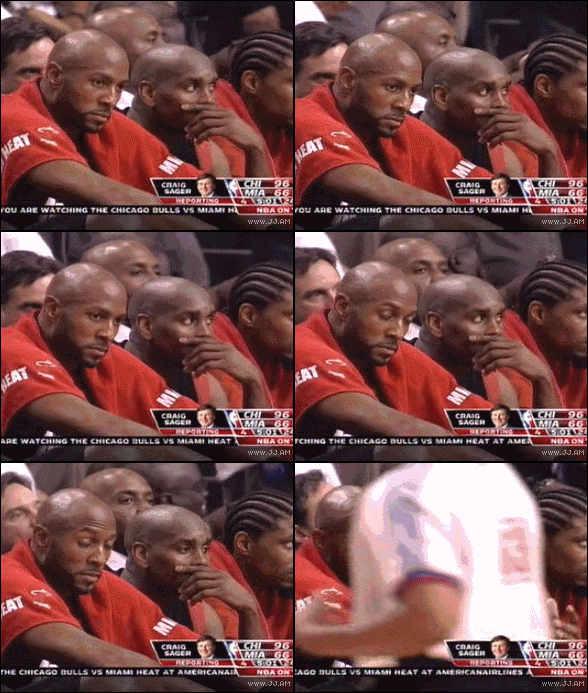
 Eh, they make pills for that.
You sure? I’m not convinced yet. Up to what now, 39? 40? I feel ya. We were there a couple years ago. Well, not quite as far down, but a hundo in the L column still sucks rancid ass.
Think they can find him a black-magic woman? I’ll show myself out. How long was the cubs RF gonna look for that ball? Jeez that was bad.
You call that a pressed ham?!??!??
Make way, comin through!
Dunno where in the process it’s breaking down, but I’ve had AmFam for over a decade. Only one claim, which was on the house after a major hailer. No issues at all, and better than they could have been.
@C-Man to the (charred) burnt orange courtesy phone.
Eh, they make pills for that.
You sure? I’m not convinced yet. Up to what now, 39? 40? I feel ya. We were there a couple years ago. Well, not quite as far down, but a hundo in the L column still sucks rancid ass.
Think they can find him a black-magic woman? I’ll show myself out. How long was the cubs RF gonna look for that ball? Jeez that was bad.
You call that a pressed ham?!??!??
Make way, comin through!
Dunno where in the process it’s breaking down, but I’ve had AmFam for over a decade. Only one claim, which was on the house after a major hailer. No issues at all, and better than they could have been.
@C-Man to the (charred) burnt orange courtesy phone.






Football ...
Basketball ...
Baseball ...
Other Sports ...
Futbol ...
🤫995🤫 ...
Gambling ...
Movies & TV ...
Music ...
Hobbies ...
Lulz ...
Food & Travel
...
Daily Texan ...
Business & Markets ...
Cloak Room ...
Help ...
For Sale ...
Board Discussion ...
Advertise...
Tailgate Donations
Account
Search
Configure browser push notifications
Chrome (Android)
- Tap the lock icon next to the address bar.
- Tap Permissions → Notifications.
- Adjust your preference.
Chrome (Desktop)
- Click the padlock icon in the address bar.
- Select Site settings.
- Find Notifications and adjust your preference.
Safari (iOS 16.4+)
- Ensure the site is installed via Add to Home Screen.
- Open Settings App → Notifications.
- Find your app name and adjust your preference.
Safari (macOS)
- Go to Safari → Preferences.
- Click the Websites tab.
- Select Notifications in the sidebar.
- Find this website and adjust your preference.
Edge (Android)
- Tap the lock icon next to the address bar.
- Tap Permissions.
- Find Notifications and adjust your preference.
Edge (Desktop)
- Click the padlock icon in the address bar.
- Click Permissions for this site.
- Find Notifications and adjust your preference.
Firefox (Android)
- Go to Settings → Site permissions.
- Tap Notifications.
- Find this site in the list and adjust your preference.
Firefox (Desktop)
- Open Firefox Settings.
- Search for Notifications.
- Find this site in the list and adjust your preference.