

LTtxfan
Legacy Members
-
Joined
Everything posted by LTtxfan
-
 Justice Finkley #1 🤘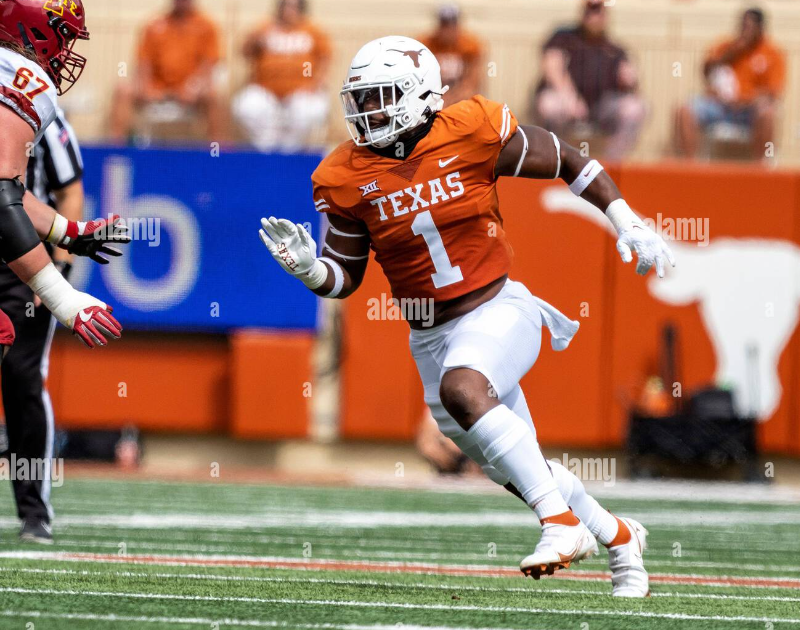
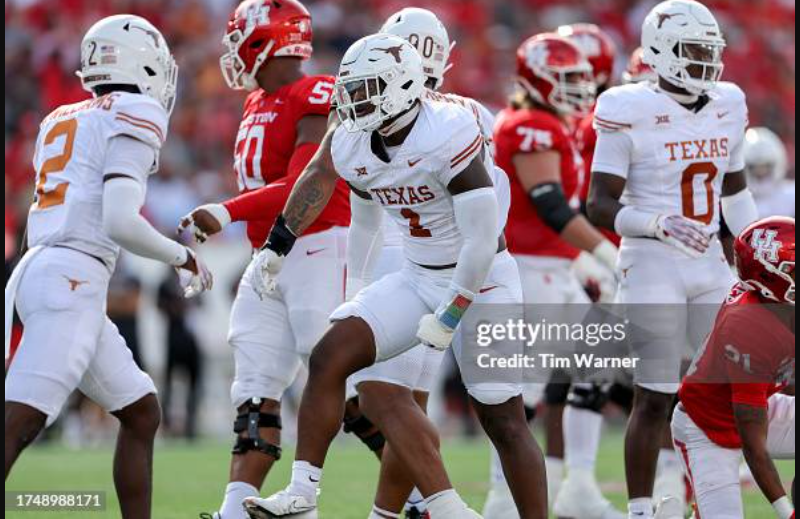
-
Pics below previously posted by @Longboard Horn Bryan White #1 And I found these... 1 DAY 🤘
-
Here's one yah might like...
-
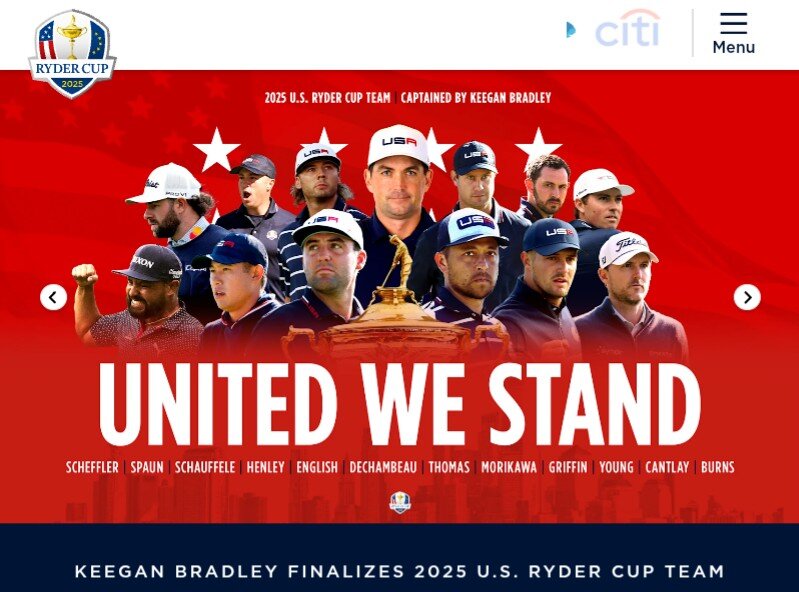
4 Weeks... The U.S. Ryder Cup Team has confirmed the match format for the 45th Ryder Cup, set for September 26–28, 2025, at Bethpage Black in New York. The competition will begin on Friday, September 26, with morning foursomes (alternate shot) followed by four-ball in the afternoon. The same schedule will be played on Saturday, September 27, before The Ryder Cup concludes with 12 singles matches on Sunday, September 28. This marks the third consecutive Ryder Cup to feature foursomes followed by four-ball on the opening two days, and the 13th time since 1981 the format has been used. The United States has implemented this structure eight times, while Europe has selected it on five occasions. The home team has taken advantage of the format each of the last two Ryder Cups with Europe going 7-1 in foursomes matches over the first days in 2023, while the United States went 6-2 in foursomes matches at Whistling Straits in 2021. History favors the Americans when this setup is in play: the U.S. owns a 9-3-1 record in Ryder Cups where foursomes have led off play on both Friday and Saturday.

-
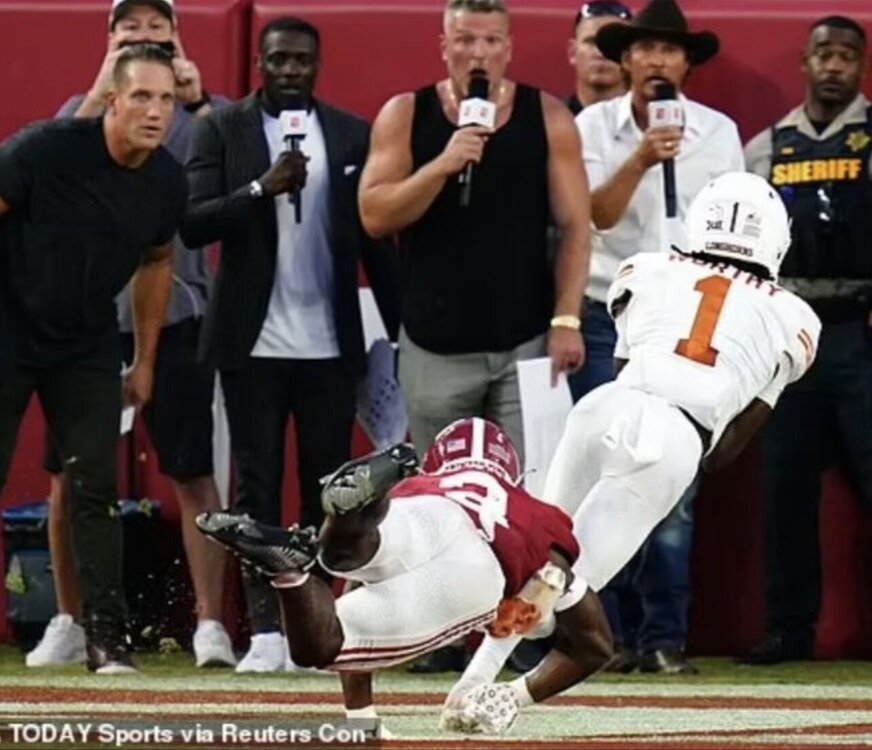
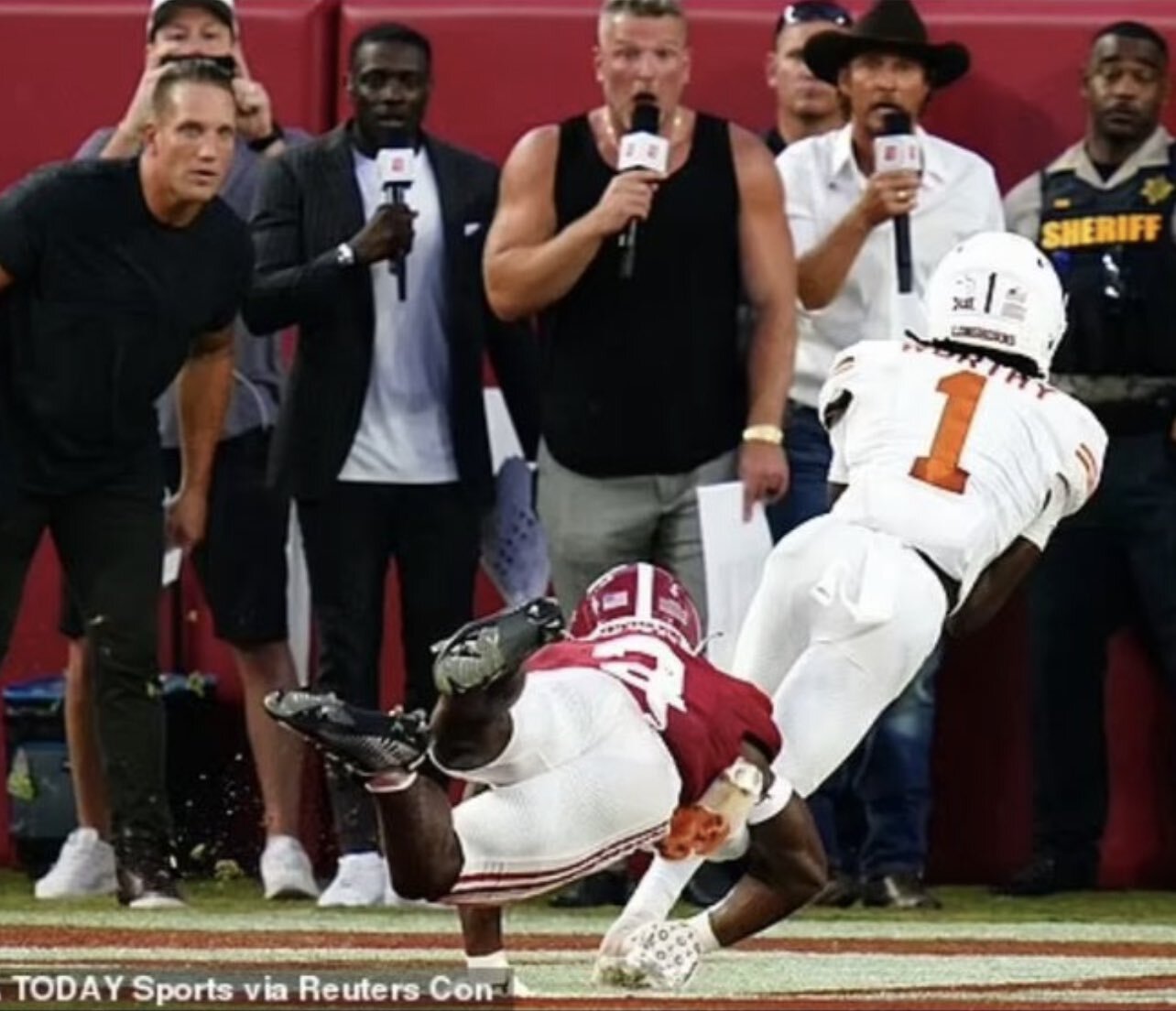
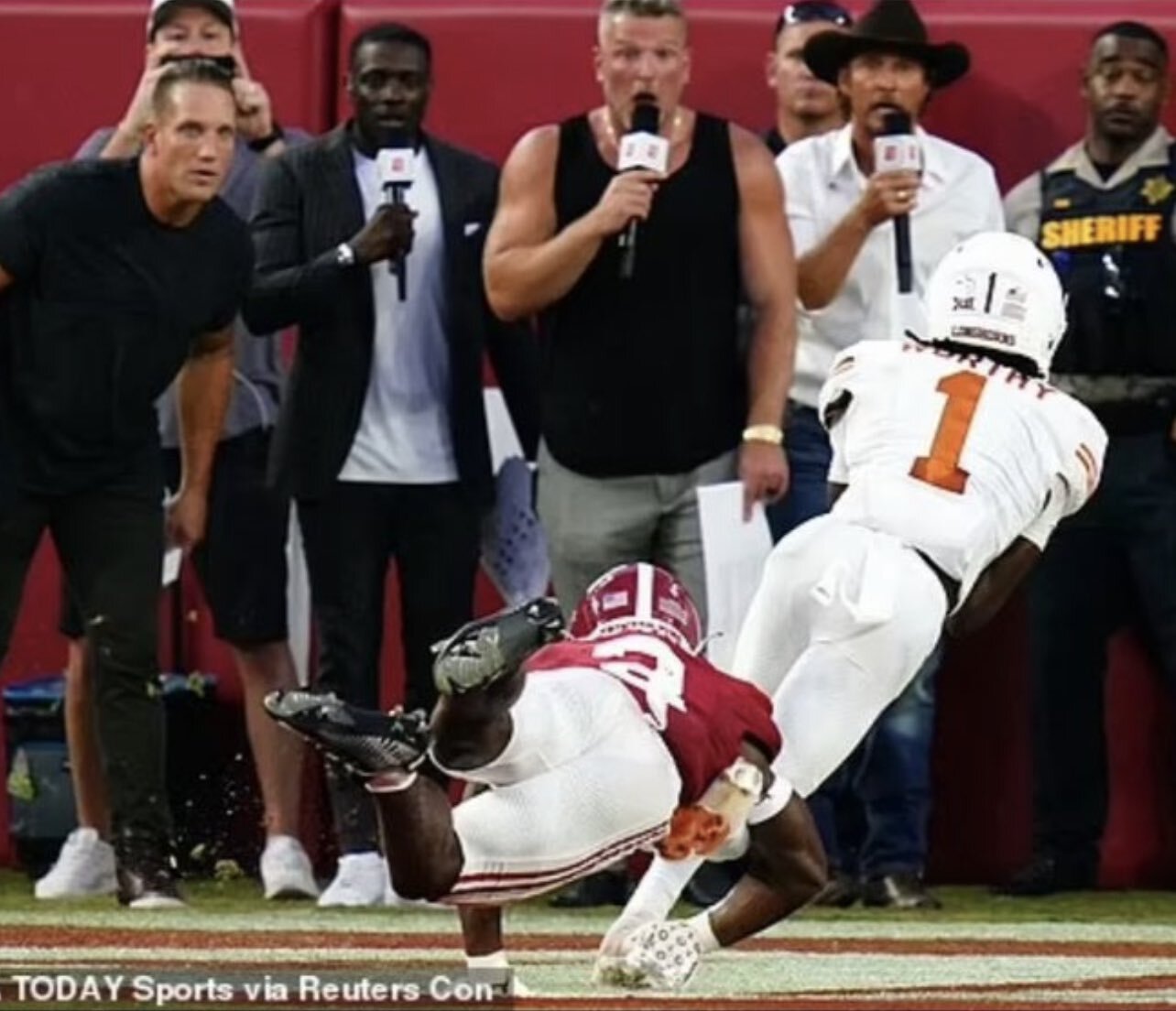
MORE WORTHY #1 🤘 Quinn Ewers 44 Yard Touchdown Pass to Xavier Worthy | #11 Texas vs #3 Alabama Underrated how physically Xavier played 🤘

 Keenan Robinson #1 🤘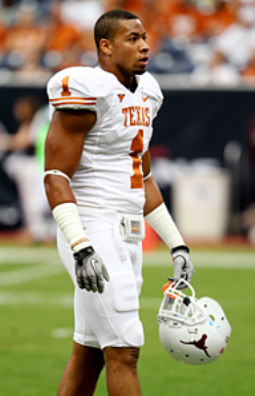
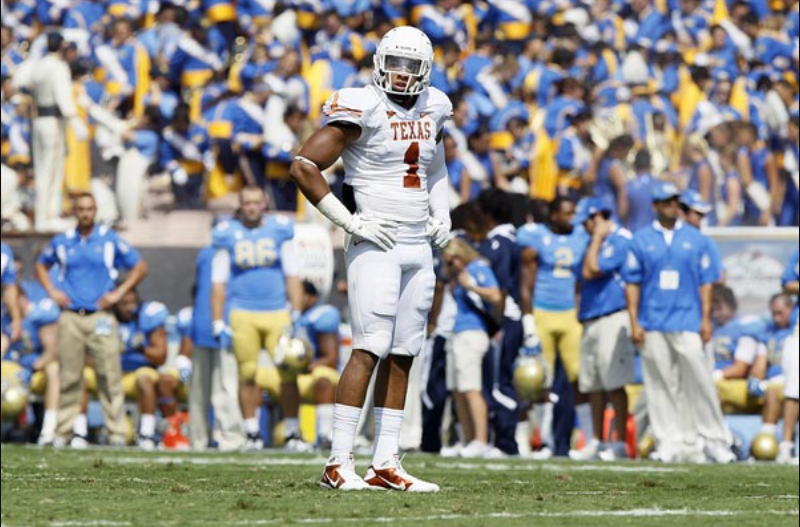
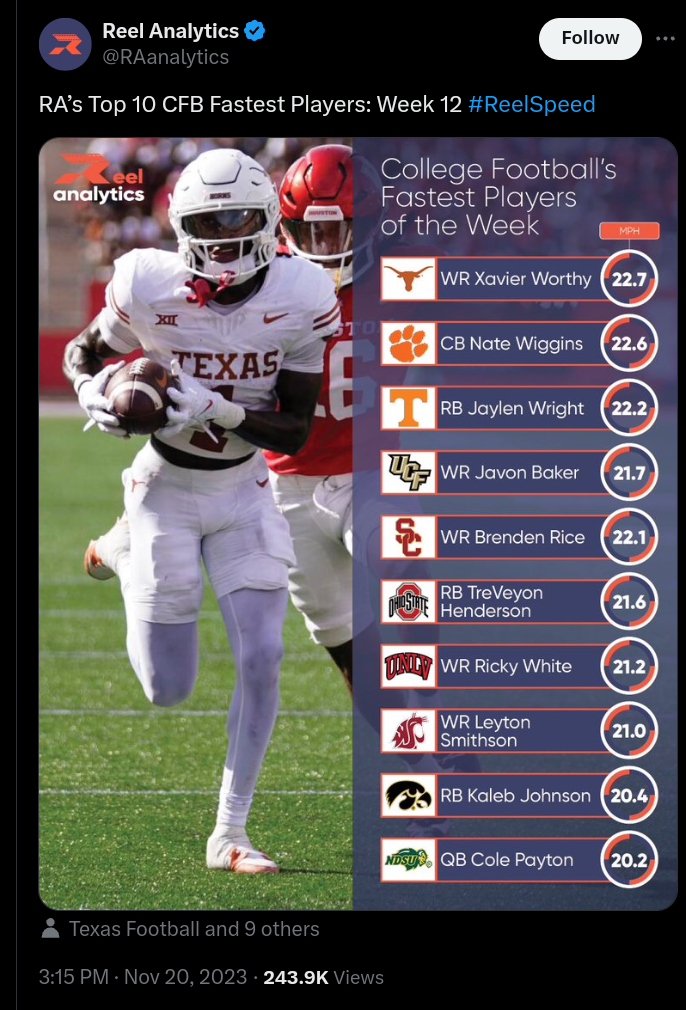
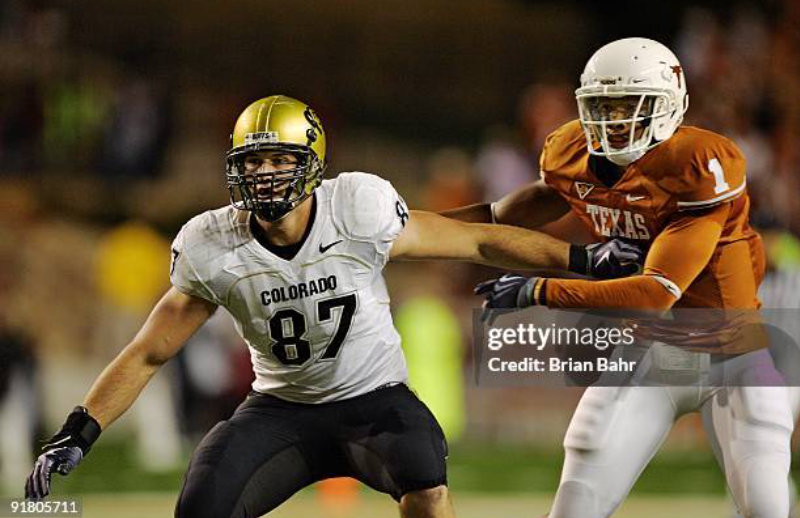 Here's a few tweets on players already posted... 1 DAY 🤘
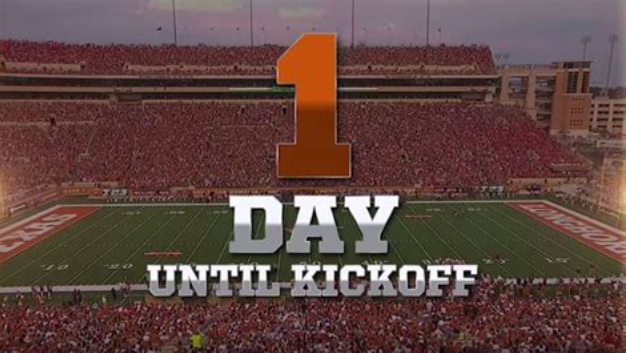
1 DAY UNTIL KICKOFF HOOK'EM !!! 🤘
Pic and quote from @Tylerocks : "Norman Watkins on the Stonie Clark play"
Sloan Thomas 🤘
Here's a few tweets on players already posted... 1 DAY 🤘
1 DAY UNTIL KICKOFF HOOK'EM !!! 🤘
Pic and quote from @Tylerocks : "Norman Watkins on the Stonie Clark play"
Sloan Thomas 🤘
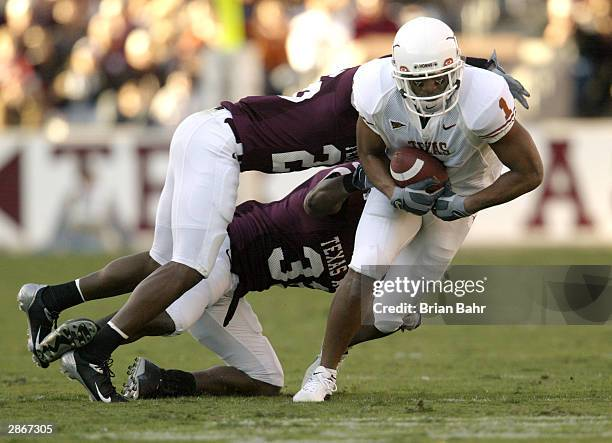
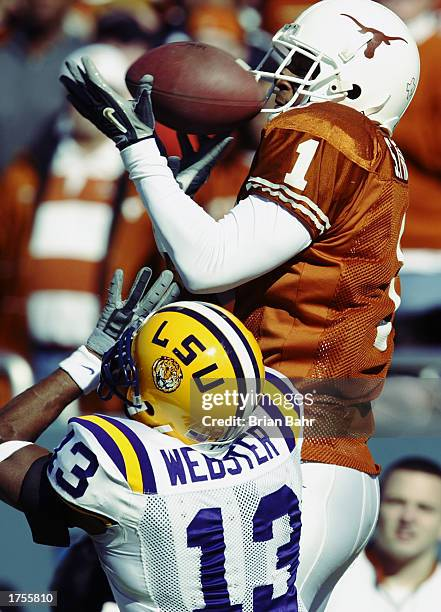 CHRIS SIMMS #1 🤘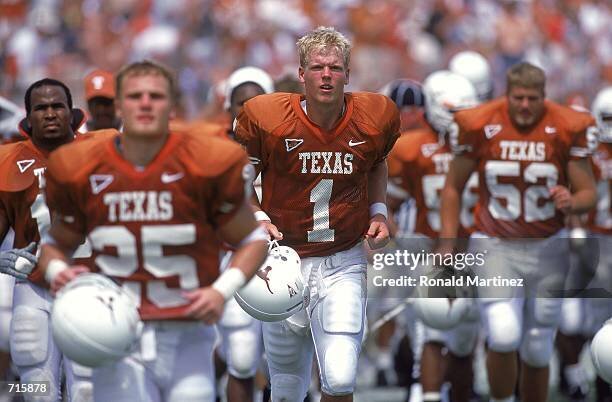
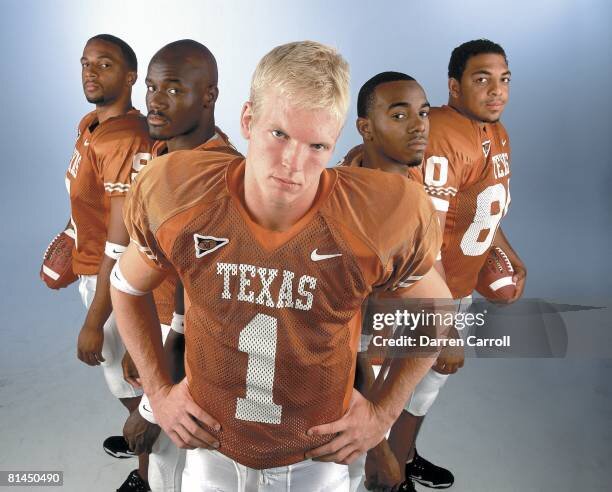 Ryan Wingo #1 🤘
 JOHNNY WALKER 🤘 THX for above pic @Gidnik
DONNIE LITTLE 🤘
1 DAY 🤘
JOHNNY WALKER 🤘 THX for above pic @Gidnik
DONNIE LITTLE 🤘
1 DAY 🤘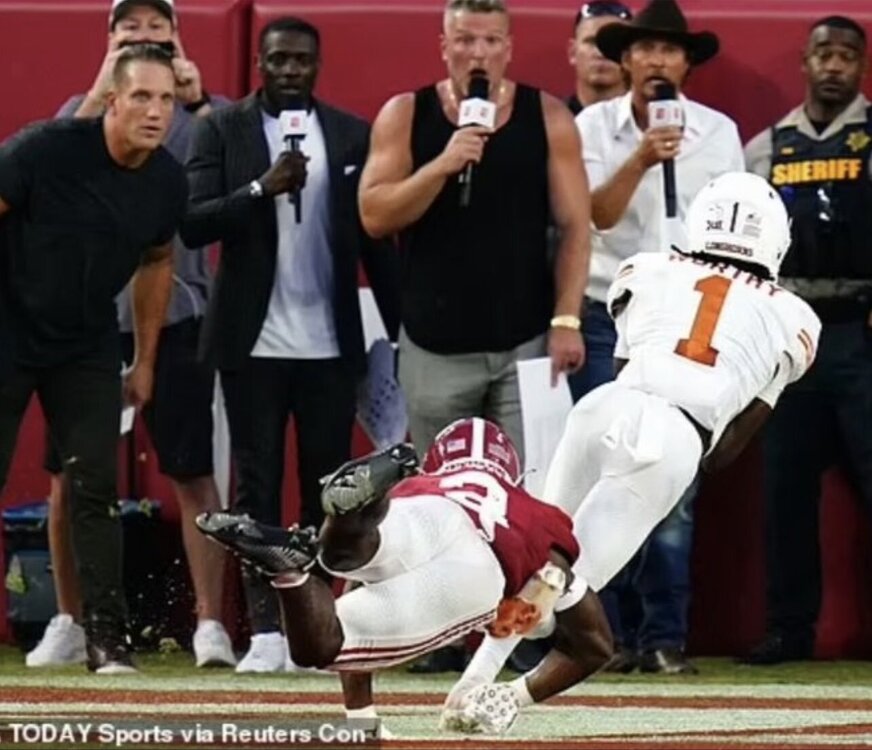 1 DAY 🤘
Previous pics furnished by @Longboard Horn Kris Boyd #2 And I found these tweets below...
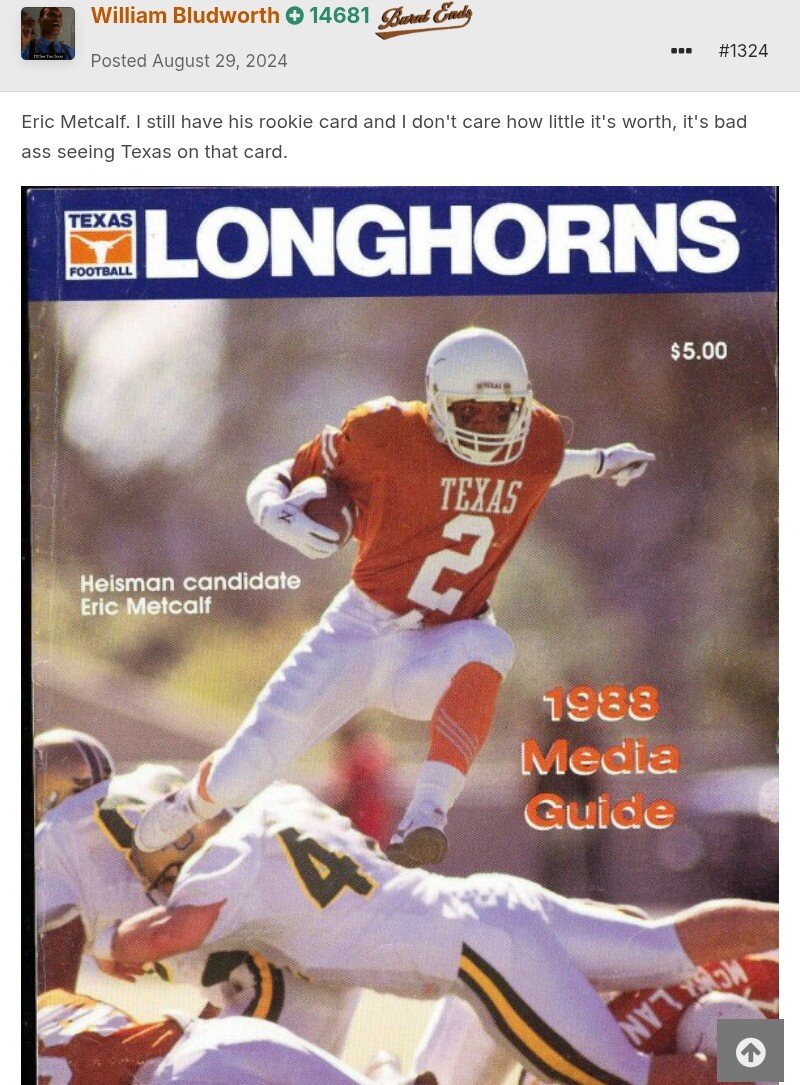
Great old 2024 post by @William Bludworth
1 DAY 🤘
Previous pics furnished by @Longboard Horn Kris Boyd #2 And I found these tweets below...
Great old 2024 post by @William Bludworth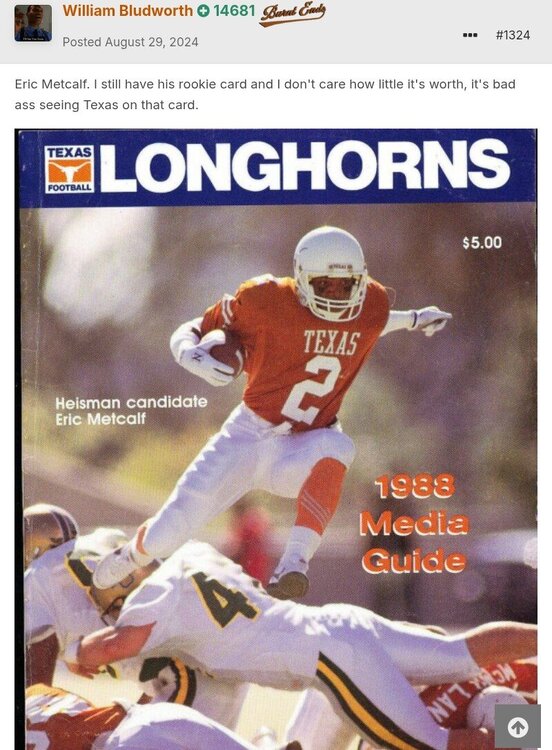 SERGIO KINDLE #2 🤘






Football ...
Basketball ...
Baseball ...
Other Sports ...
Futbol ...
🤫995🤫 ...
Gambling ...
Movies & TV ...
Music ...
Hobbies ...
Lulz ...
Food & Travel
...
Daily Texan ...
Business & Markets ...
Cloak Room ...
Help ...
For Sale ...
Board Discussion ...
Advertise...
Tailgate Donations
Account
Search
Configure browser push notifications
Chrome (Android)
- Tap the lock icon next to the address bar.
- Tap Permissions → Notifications.
- Adjust your preference.
Chrome (Desktop)
- Click the padlock icon in the address bar.
- Select Site settings.
- Find Notifications and adjust your preference.
Safari (iOS 16.4+)
- Ensure the site is installed via Add to Home Screen.
- Open Settings App → Notifications.
- Find your app name and adjust your preference.
Safari (macOS)
- Go to Safari → Preferences.
- Click the Websites tab.
- Select Notifications in the sidebar.
- Find this website and adjust your preference.
Edge (Android)
- Tap the lock icon next to the address bar.
- Tap Permissions.
- Find Notifications and adjust your preference.
Edge (Desktop)
- Click the padlock icon in the address bar.
- Click Permissions for this site.
- Find Notifications and adjust your preference.
Firefox (Android)
- Go to Settings → Site permissions.
- Tap Notifications.
- Find this site in the list and adjust your preference.
Firefox (Desktop)
- Open Firefox Settings.
- Search for Notifications.
- Find this site in the list and adjust your preference.