
Laxtonto
Certifiably Surly
-
Joined
-
Last visited
Everything posted by Laxtonto
-
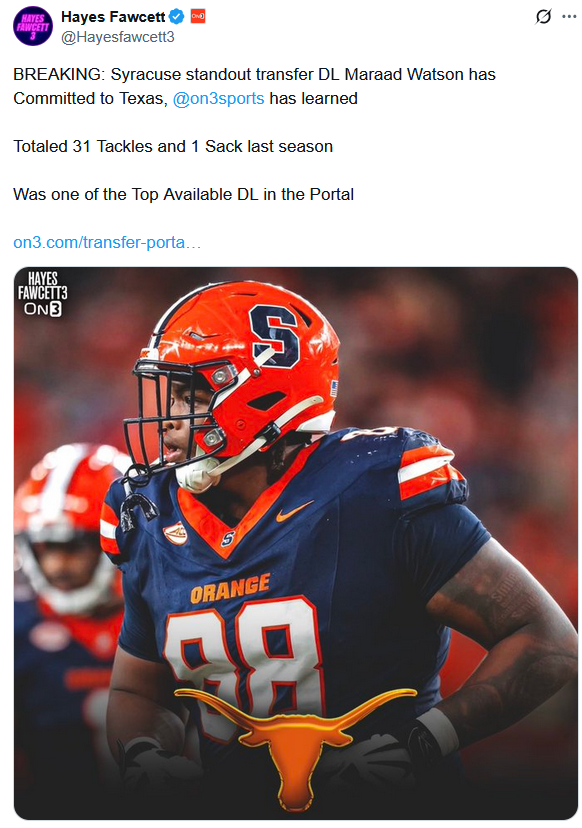
 Kickass TE, 3DTs, a K and a WR with multiple years of eligibility... What is left on the shopping list?
https://x.com/Hayesfawcett3/status/1914778634662941048
Kickass TE, 3DTs, a K and a WR with multiple years of eligibility... What is left on the shopping list?
https://x.com/Hayesfawcett3/status/1914778634662941048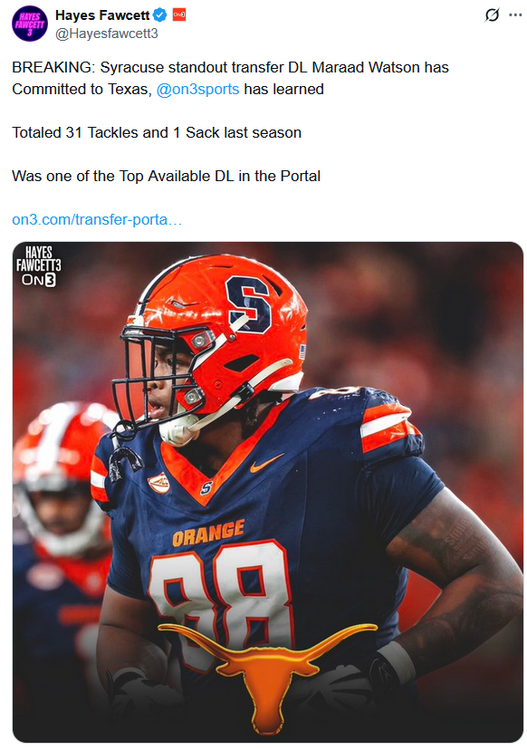 Stone is pulling his name back out of the portal. Makes you wonder WTF is going on over there.
https://www.wbrz.com/news/investigative-unit-lsu-football-player-kyren-lacy-dead-faced-court-hearing-monday/
Grand Jury was going to start hearing evidence regarding officially filing felony charge. The writing was on the wall and it was pretty obvious he was going to be charged and most likely found guilty.
Football ... Basketball ... Baseball ... Other Sports ... Futbol ... 🤫995🤫 ... Gambling ... Movies & TV ... Music ... Hobbies ... Lulz ... Food & Travel ... Daily Texan ... Business & Markets ... Cloak Room ... Help ... For Sale ... Board Discussion ... Advertise... Tailgate Donations
Stone is pulling his name back out of the portal. Makes you wonder WTF is going on over there.
https://www.wbrz.com/news/investigative-unit-lsu-football-player-kyren-lacy-dead-faced-court-hearing-monday/
Grand Jury was going to start hearing evidence regarding officially filing felony charge. The writing was on the wall and it was pretty obvious he was going to be charged and most likely found guilty.
Football ... Basketball ... Baseball ... Other Sports ... Futbol ... 🤫995🤫 ... Gambling ... Movies & TV ... Music ... Hobbies ... Lulz ... Food & Travel ... Daily Texan ... Business & Markets ... Cloak Room ... Help ... For Sale ... Board Discussion ... Advertise... Tailgate DonationsAccount
Search
Configure browser push notifications
Chrome (Android)
- Tap the lock icon next to the address bar.
- Tap Permissions → Notifications.
- Adjust your preference.
Chrome (Desktop)
- Click the padlock icon in the address bar.
- Select Site settings.
- Find Notifications and adjust your preference.
Safari (iOS 16.4+)
- Ensure the site is installed via Add to Home Screen.
- Open Settings App → Notifications.
- Find your app name and adjust your preference.
Safari (macOS)
- Go to Safari → Preferences.
- Click the Websites tab.
- Select Notifications in the sidebar.
- Find this website and adjust your preference.
Edge (Android)
- Tap the lock icon next to the address bar.
- Tap Permissions.
- Find Notifications and adjust your preference.
Edge (Desktop)
- Click the padlock icon in the address bar.
- Click Permissions for this site.
- Find Notifications and adjust your preference.
Firefox (Android)
- Go to Settings → Site permissions.
- Tap Notifications.
- Find this site in the list and adjust your preference.
Firefox (Desktop)
- Open Firefox Settings.
- Search for Notifications.
- Find this site in the list and adjust your preference.