


JesusSweatDuck
Certifiably Surly
-
Joined
-
Last visited
Everything posted by JesusSweatDuck
-
 From your lips to Dad's ears
 -
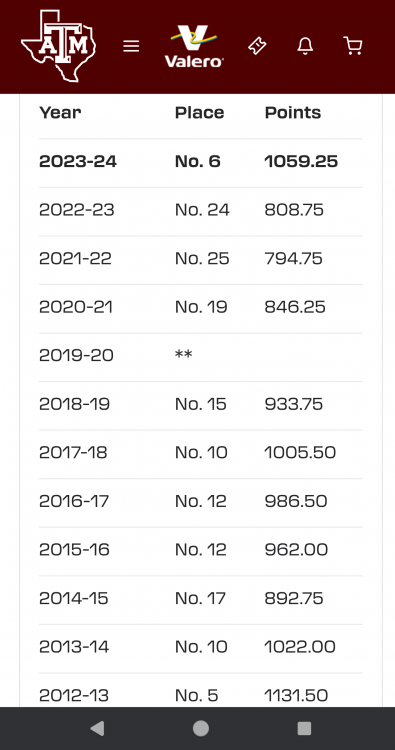
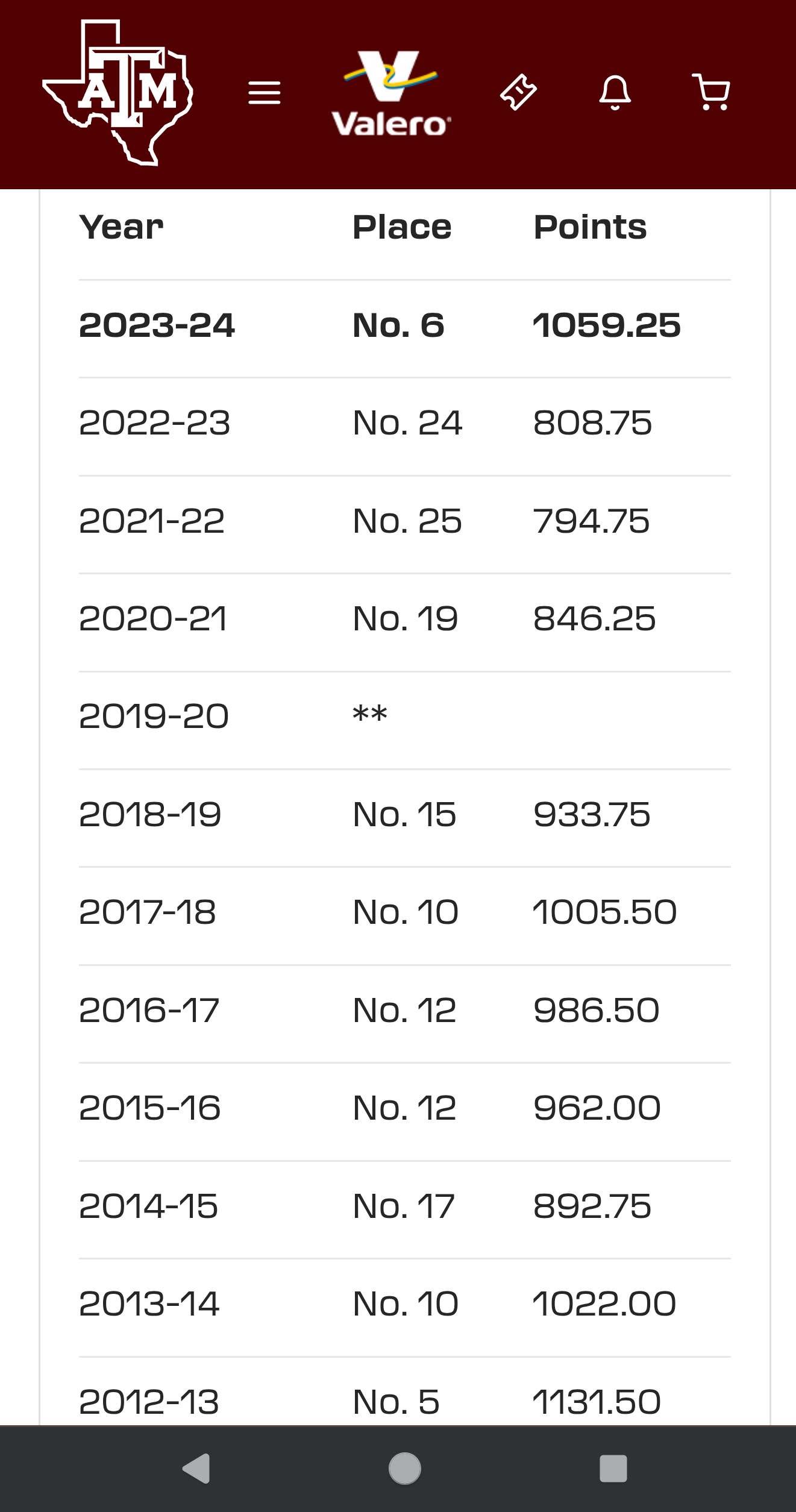
They cherry picked last year's finish. The last time they finished that high is 2012-2013
-
FIFY (see user name). I guess he can wipe his ass without using a bath towel now.
Weren't they the girls that got John Ruiz in trouble?
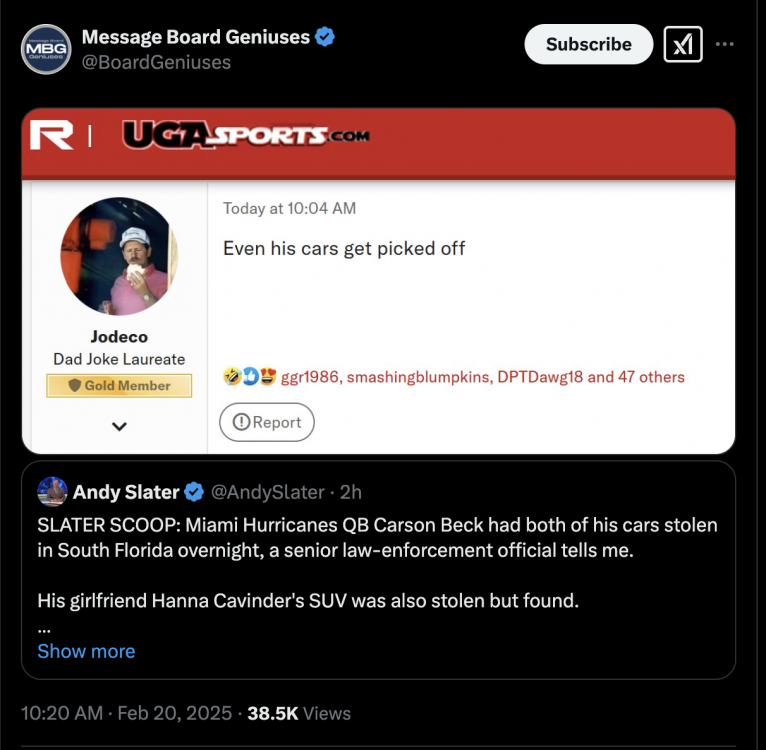
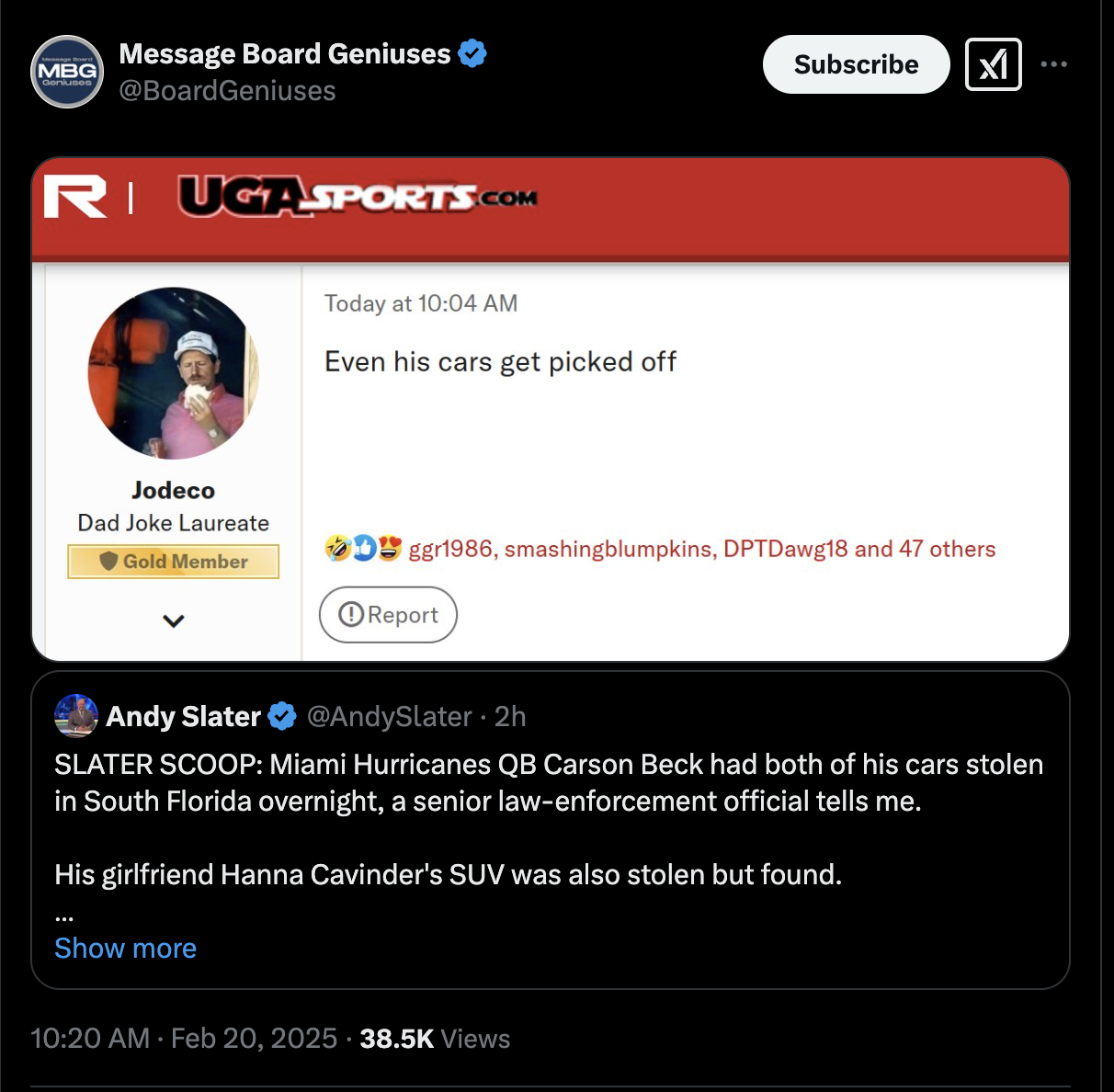
https://surlyx.com/BoardGeniuses/status/1892610163116314699
 This is the Head Coach at Bastrop High School. I assume this is targeted at OU? https://surlyx.com/JGriedl/status/1888039874424398301
Can't really blame him for trading Denny's for Waffle House
I wish I knew, LonghornFrenzy will have to add more details. That's all that is posted to twitter.
Credit to @Longhornfrenzy, but hoooooly shit that took a turn.
This is the Head Coach at Bastrop High School. I assume this is targeted at OU? https://surlyx.com/JGriedl/status/1888039874424398301
Can't really blame him for trading Denny's for Waffle House
I wish I knew, LonghornFrenzy will have to add more details. That's all that is posted to twitter.
Credit to @Longhornfrenzy, but hoooooly shit that took a turn.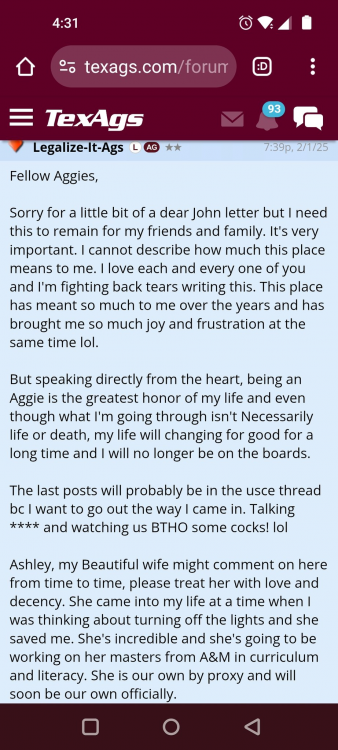
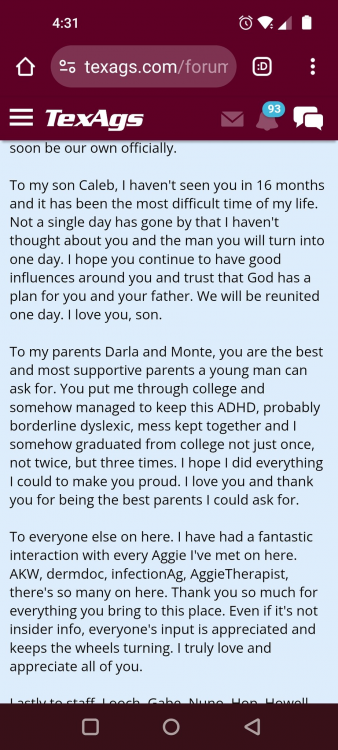
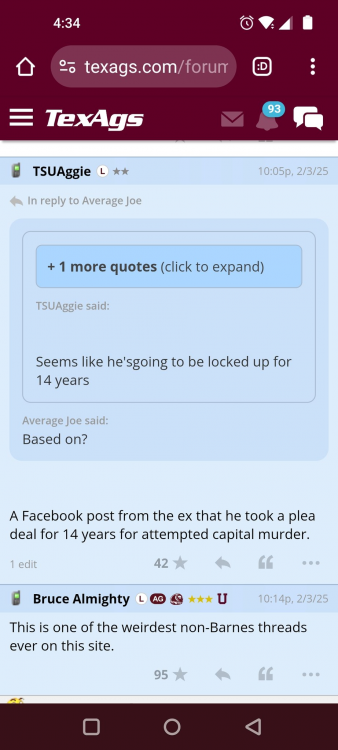 You realize he's an orthopedic surgeon in the area, right?
Might be faster, but a much bigger PITA to share data, esp on mobile, making the forum not as useful
BOMC
It was in the playoffs junior year and that's when a lot of teams backed off. Came back and lead Westlake to a state championship his Senior year.
Well as soon as they completed the snake we crumbled and barely held on to win. That might have been the fastest collapse of a 20+ point lead I've ever seen.
Random question, anyone checked availability of season tickets? With us sucking, might be a decent time to get a reasonable located seat.
I've tried to watch several games this year and just end up turning the game off even when we're winning. It's such bad basketball. The team is so obviously poorly coached that I can't deal with it.
PJ Tucker is the last time I remember it happening to a player at UT
Are we sure that isn't Golden Corral? I hear that's his happy place.
Isn't Nibblett a speedster as well?
You realize he's an orthopedic surgeon in the area, right?
Might be faster, but a much bigger PITA to share data, esp on mobile, making the forum not as useful
BOMC
It was in the playoffs junior year and that's when a lot of teams backed off. Came back and lead Westlake to a state championship his Senior year.
Well as soon as they completed the snake we crumbled and barely held on to win. That might have been the fastest collapse of a 20+ point lead I've ever seen.
Random question, anyone checked availability of season tickets? With us sucking, might be a decent time to get a reasonable located seat.
I've tried to watch several games this year and just end up turning the game off even when we're winning. It's such bad basketball. The team is so obviously poorly coached that I can't deal with it.
PJ Tucker is the last time I remember it happening to a player at UT
Are we sure that isn't Golden Corral? I hear that's his happy place.
Isn't Nibblett a speedster as well?







Football ...
Basketball ...
Baseball ...
Other Sports ...
Futbol ...
🤫995🤫 ...
Gambling ...
Movies & TV ...
Music ...
Hobbies ...
Lulz ...
Food & Travel
...
Daily Texan ...
Business & Markets ...
Cloak Room ...
Help ...
For Sale ...
Board Discussion ...
Advertise...
Tailgate Donations
Account
Search
Configure browser push notifications
Chrome (Android)
- Tap the lock icon next to the address bar.
- Tap Permissions → Notifications.
- Adjust your preference.
Chrome (Desktop)
- Click the padlock icon in the address bar.
- Select Site settings.
- Find Notifications and adjust your preference.
Safari (iOS 16.4+)
- Ensure the site is installed via Add to Home Screen.
- Open Settings App → Notifications.
- Find your app name and adjust your preference.
Safari (macOS)
- Go to Safari → Preferences.
- Click the Websites tab.
- Select Notifications in the sidebar.
- Find this website and adjust your preference.
Edge (Android)
- Tap the lock icon next to the address bar.
- Tap Permissions.
- Find Notifications and adjust your preference.
Edge (Desktop)
- Click the padlock icon in the address bar.
- Click Permissions for this site.
- Find Notifications and adjust your preference.
Firefox (Android)
- Go to Settings → Site permissions.
- Tap Notifications.
- Find this site in the list and adjust your preference.
Firefox (Desktop)
- Open Firefox Settings.
- Search for Notifications.
- Find this site in the list and adjust your preference.