
ATXbronco
Full Members
-
Joined
Everything posted by ATXbronco
-
 Unless Ted Cruz is in the stands, we're totally coming back to win the second half and game.
Our receivers need to do a better job of getting open when plays break down
In his hands
Unless Ted Cruz is in the stands, we're totally coming back to win the second half and game.
Our receivers need to do a better job of getting open when plays break down
In his hands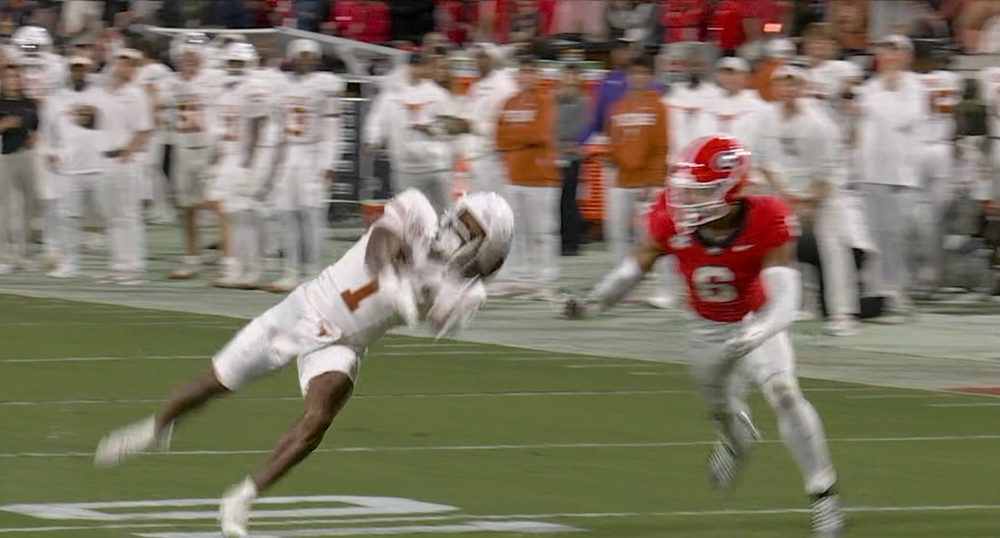 I had an avocado sammich an hour ago, so my first thought was "I just ate you"
Taffe totally saw that play forming
Thumb been rehashed in this thread yet?
Beautiful sequence
They probably shoulda waited to see what happens in the Texas game.
The UFC PPV Main card starts shortly after we hand Georgia their second loss of the season.
I had an avocado sammich an hour ago, so my first thought was "I just ate you"
Taffe totally saw that play forming
Thumb been rehashed in this thread yet?
Beautiful sequence
They probably shoulda waited to see what happens in the Texas game.
The UFC PPV Main card starts shortly after we hand Georgia their second loss of the season.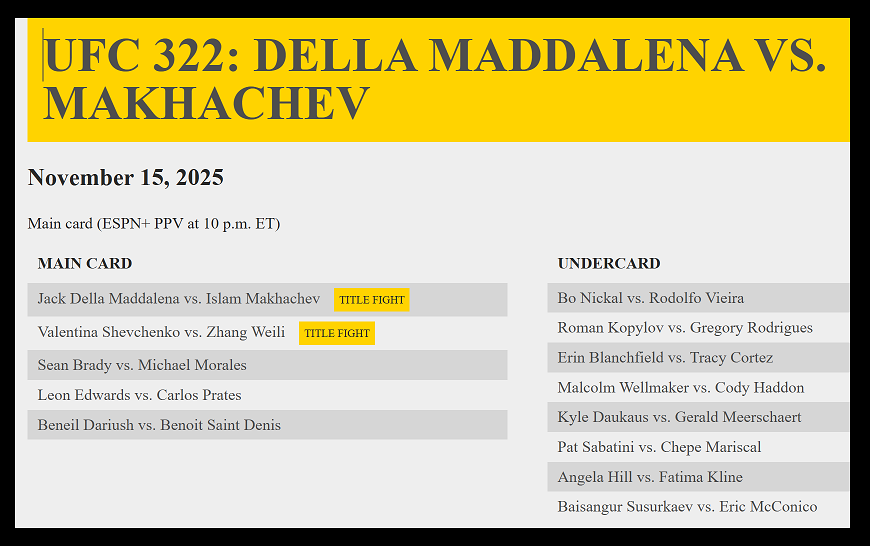 That would mean Oklahoma beat Alabama, which bumps them up of course.
I've actually got a cassette tape somewhere with "Best of the 80's" on it that has the song with "Walking in LA".
Walking in LA.. one score game... keep it coming!
Nico is electric when he's on it
Color matching for the loss
That would mean Oklahoma beat Alabama, which bumps them up of course.
I've actually got a cassette tape somewhere with "Best of the 80's" on it that has the song with "Walking in LA".
Walking in LA.. one score game... keep it coming!
Nico is electric when he's on it
Color matching for the loss

 Boston College? Bill O'Brien hahah
November 15th is our biggest game of the year for sure. Last year I heard the showing of Longhorns fans in Georgia was abysmal. Hope our fans show out a lot more this year!
I don't have the patience to figure out tie breakers or anything special. I just threw it together for my own personal interest. Red background = loss
Boston College? Bill O'Brien hahah
November 15th is our biggest game of the year for sure. Last year I heard the showing of Longhorns fans in Georgia was abysmal. Hope our fans show out a lot more this year!
I don't have the patience to figure out tie breakers or anything special. I just threw it together for my own personal interest. Red background = loss
 I dislocated my middle finger when I punched my buddy's fist during a disorderly disagreement. A random dude said he was an EMT, so I let my buddy buy me a shot and then the rando EMT pulled my middle finger back into place. Shit still hurts seven years later.
We're not allowed to have calm and peaceful blowout 4th quarters
Dislocated shoulder for FIlsaime?
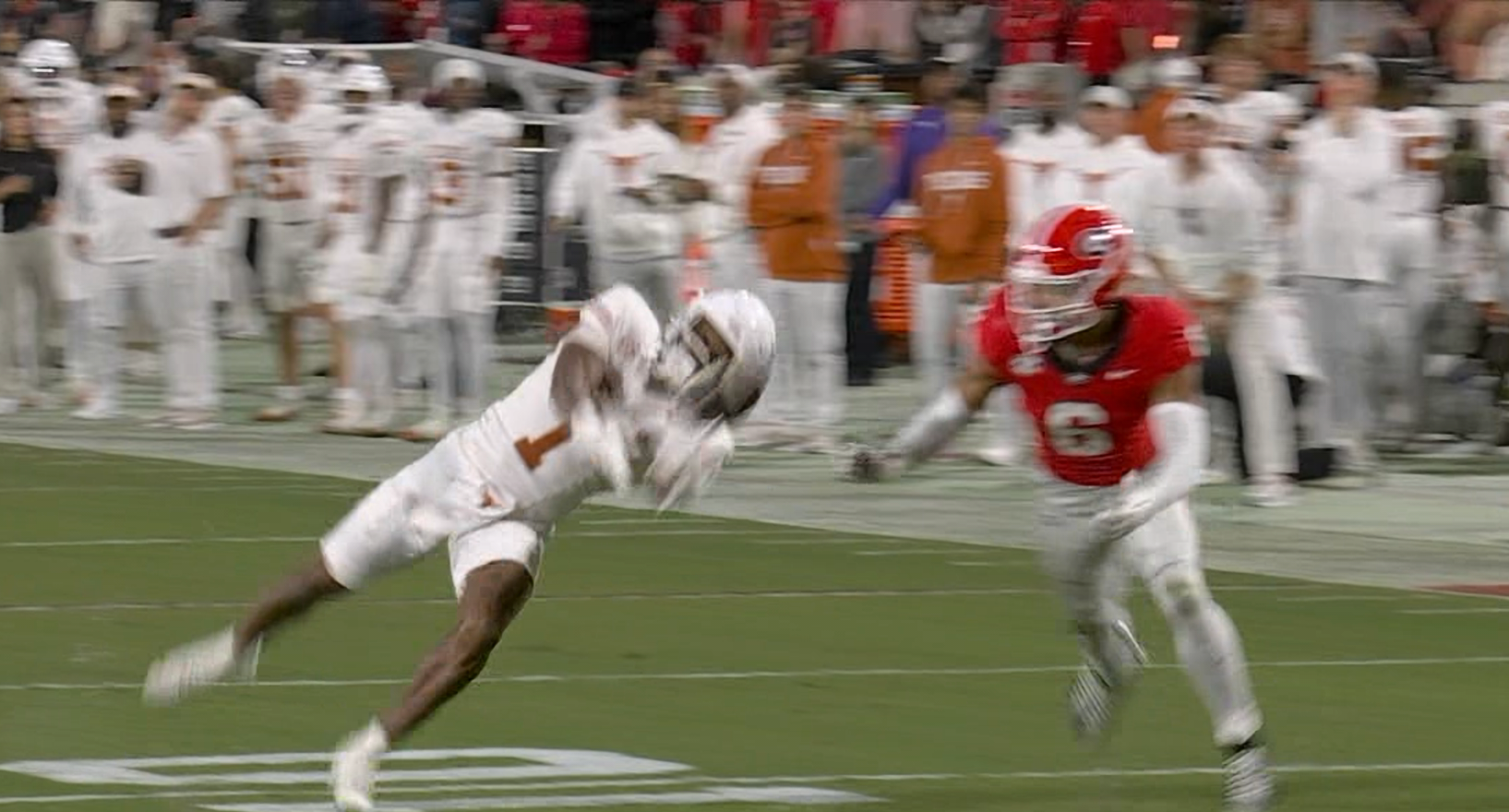
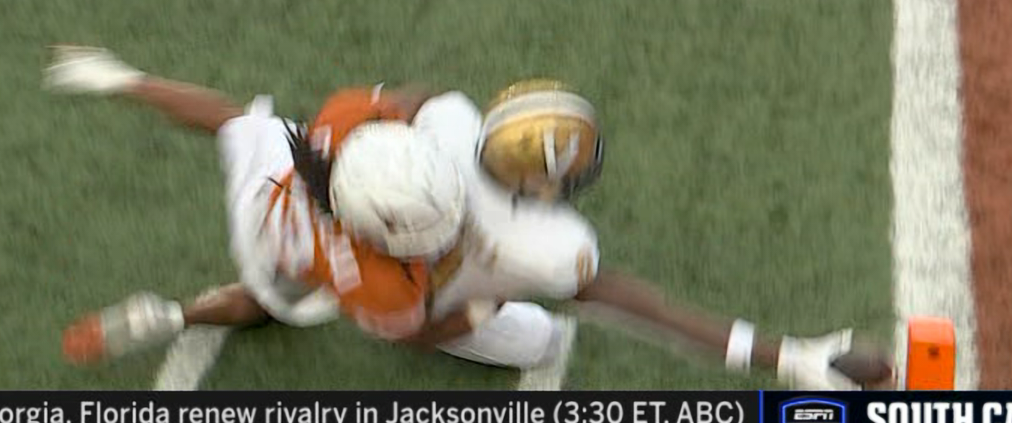
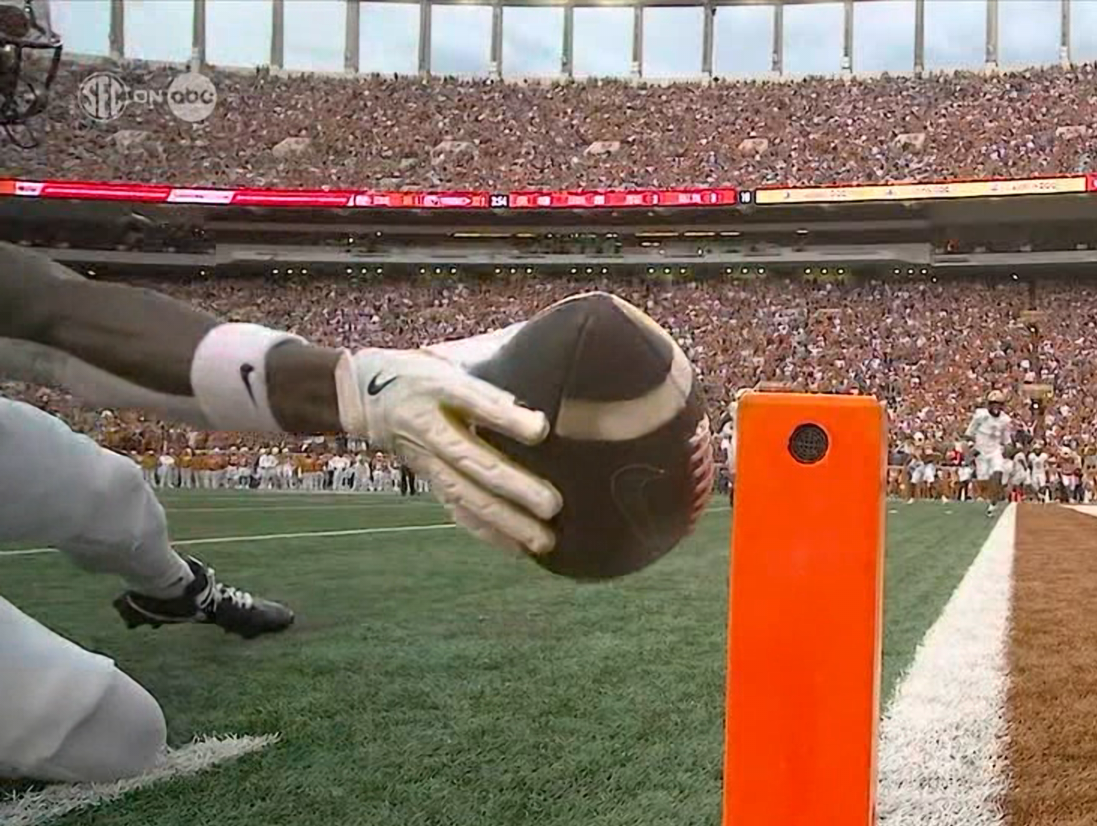
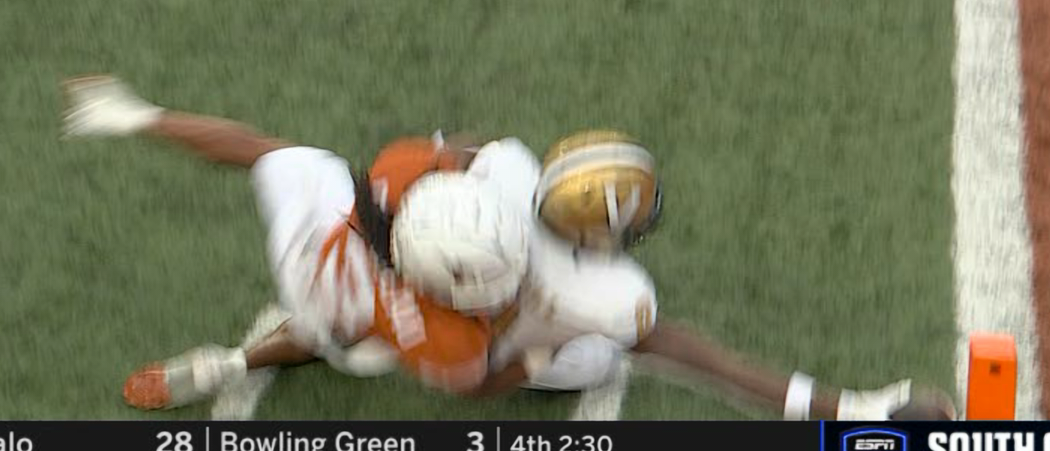
HOW THE FUCK IS THAT NOT OVERTURNED SEC REFS
I dislocated my middle finger when I punched my buddy's fist during a disorderly disagreement. A random dude said he was an EMT, so I let my buddy buy me a shot and then the rando EMT pulled my middle finger back into place. Shit still hurts seven years later.
We're not allowed to have calm and peaceful blowout 4th quarters
Dislocated shoulder for FIlsaime?
HOW THE FUCK IS THAT NOT OVERTURNED SEC REFS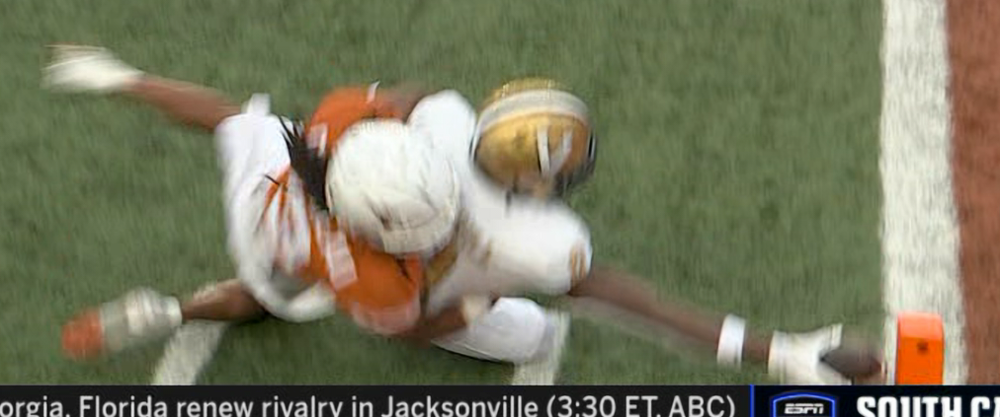 Guilbeaux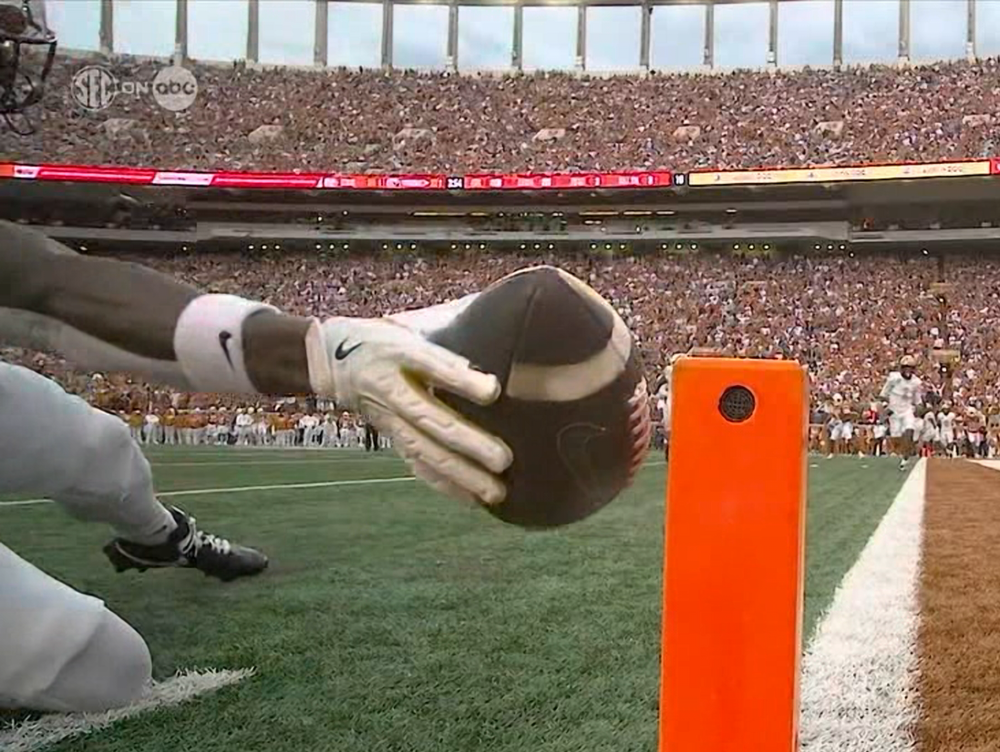
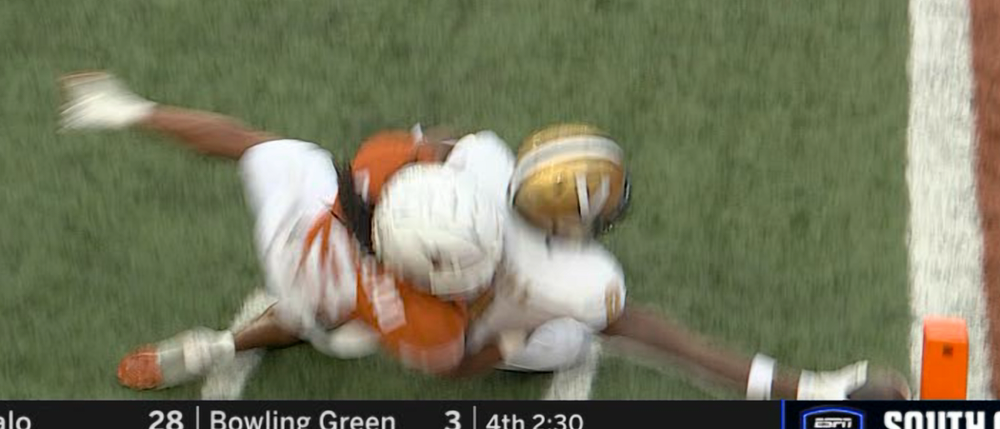 Vandy hasn't kicked a single extra point today, huh.
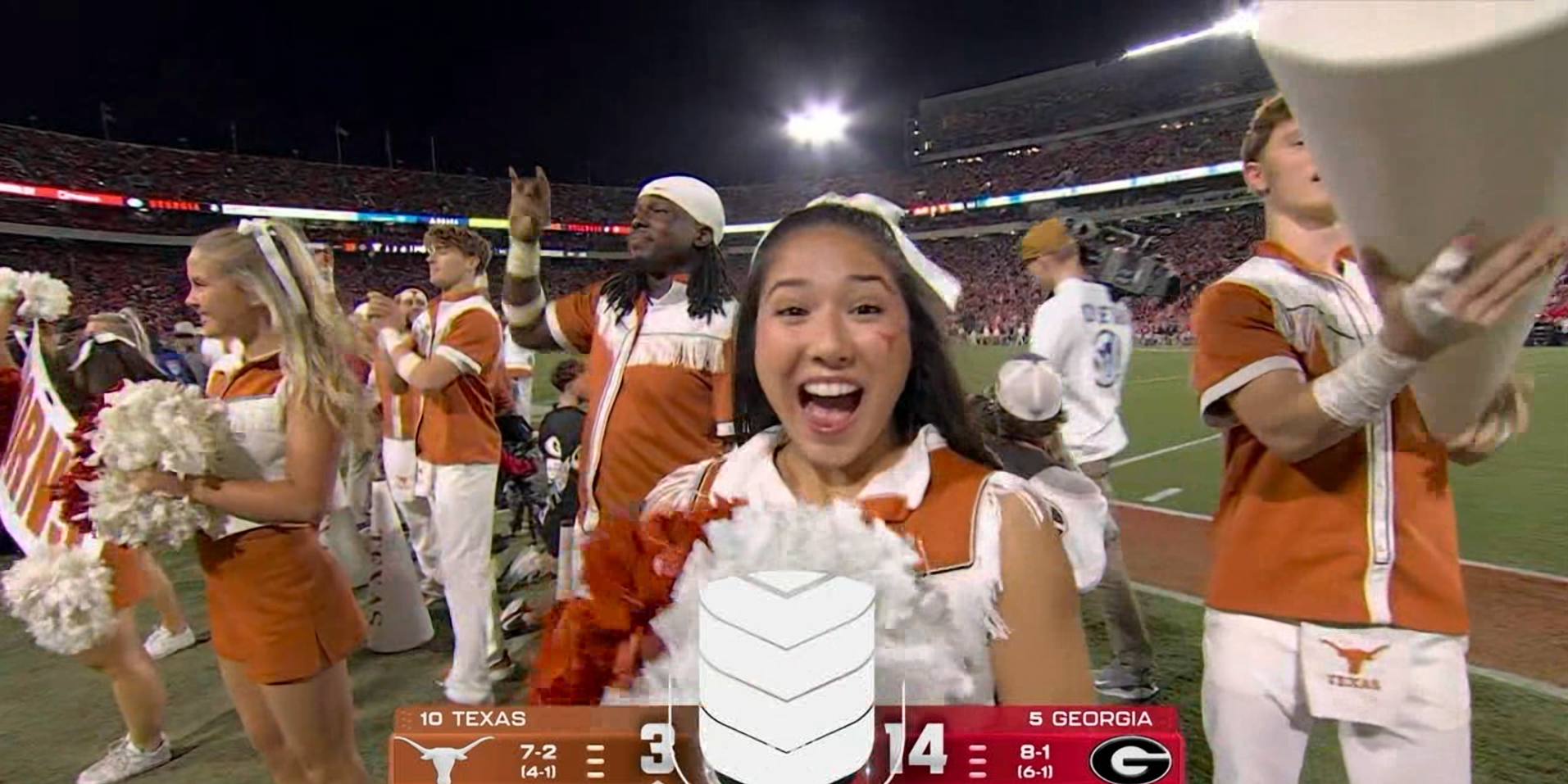





Football ...
Basketball ...
Baseball ...
Other Sports ...
Futbol ...
🤫995🤫 ...
Gambling ...
Movies & TV ...
Music ...
Hobbies ...
Lulz ...
Food & Travel
...
Daily Texan ...
Business & Markets ...
Cloak Room ...
Help ...
For Sale ...
Board Discussion ...
Advertise...
Tailgate Donations