Vertigo
Certifiably Surly
-
Joined
-
Last visited
Everything posted by Vertigo
-
 Take 2
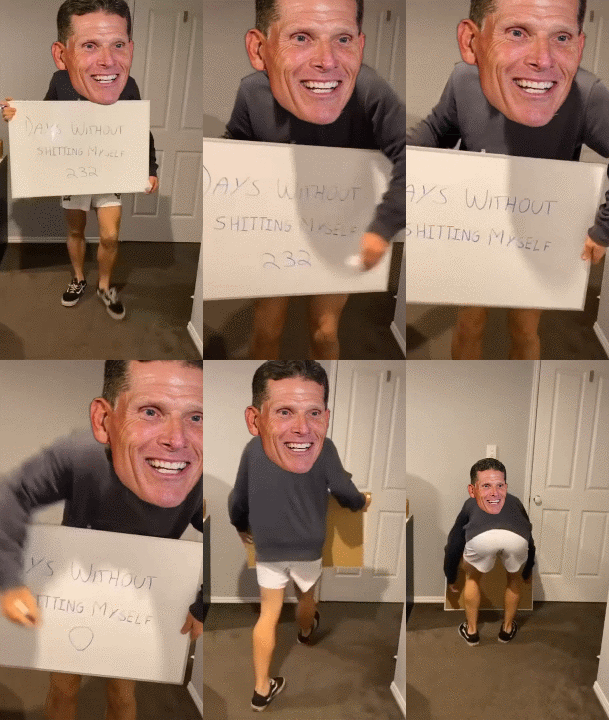
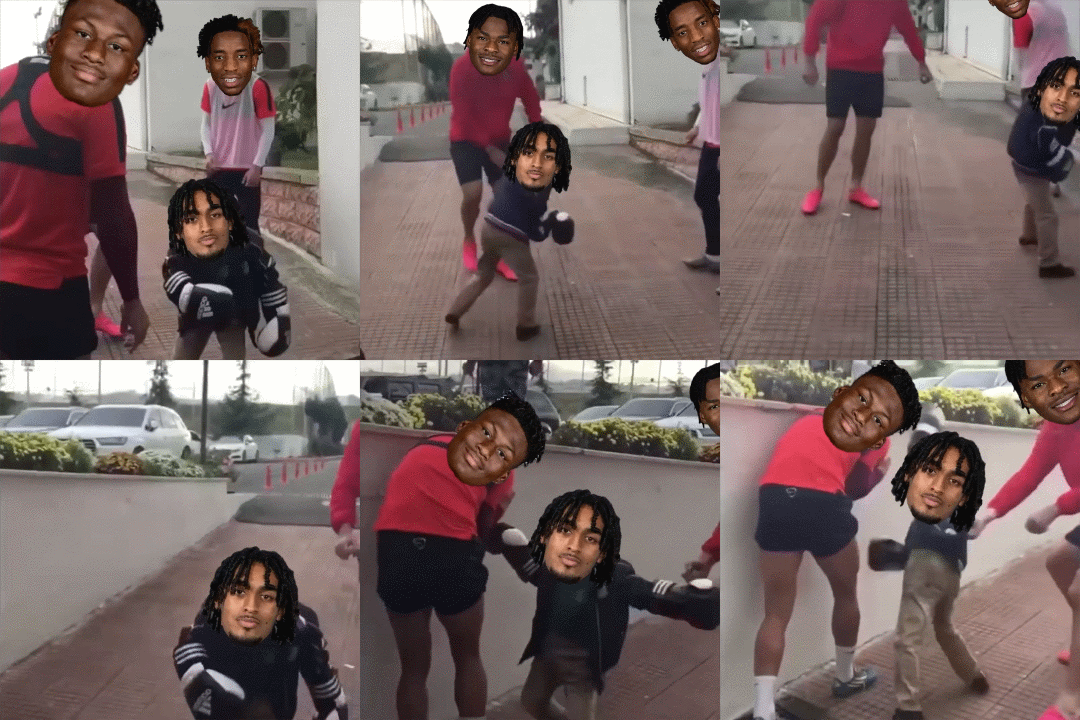
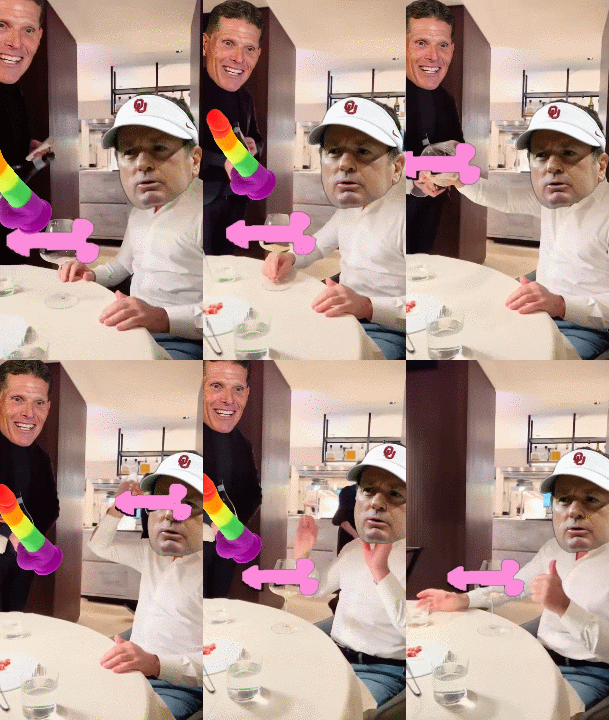
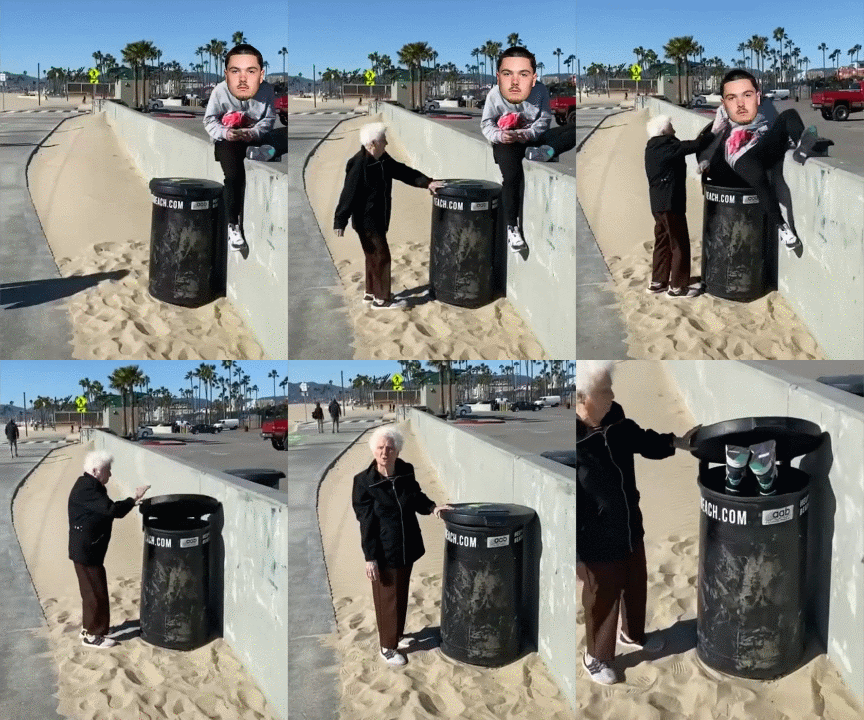
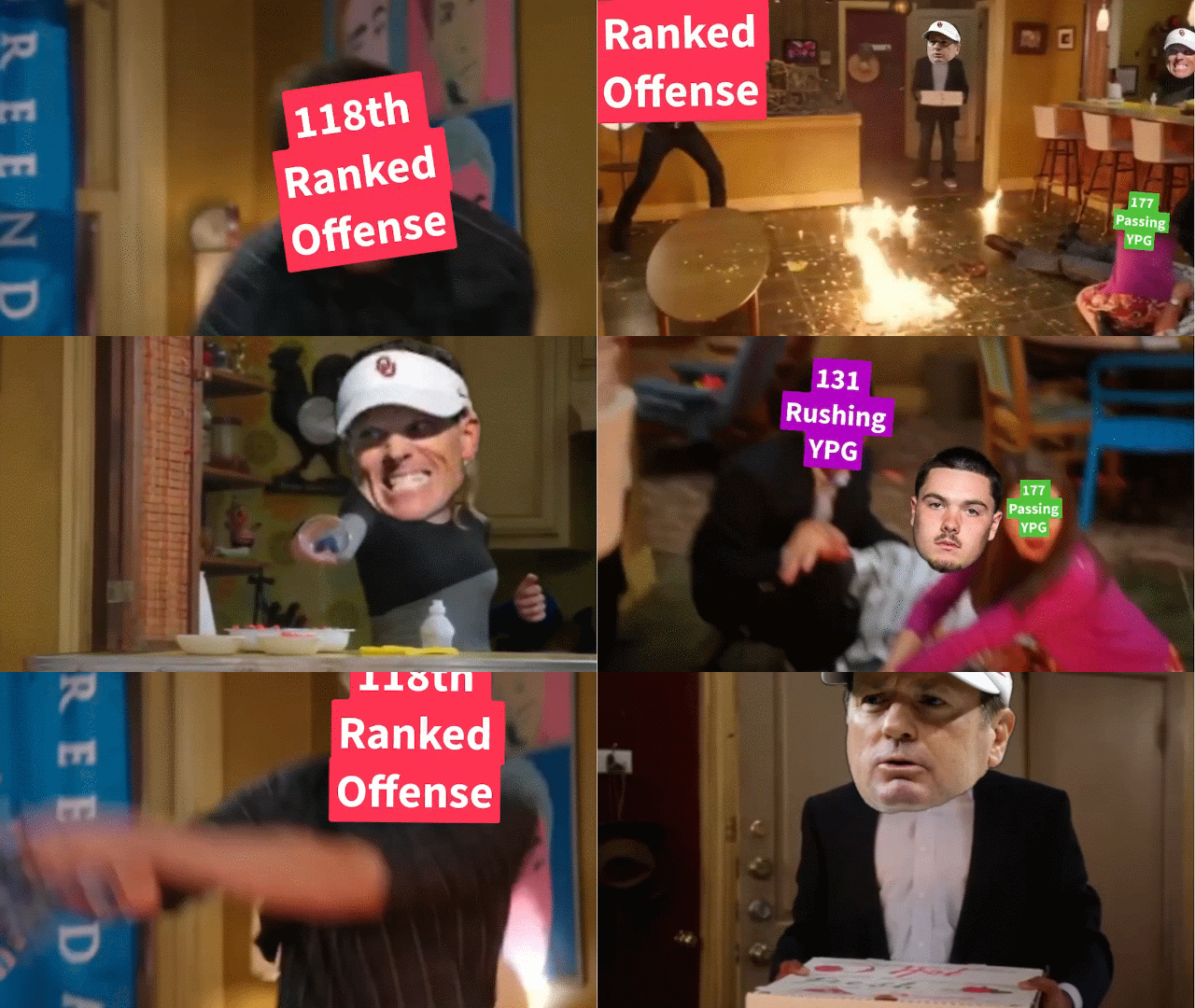
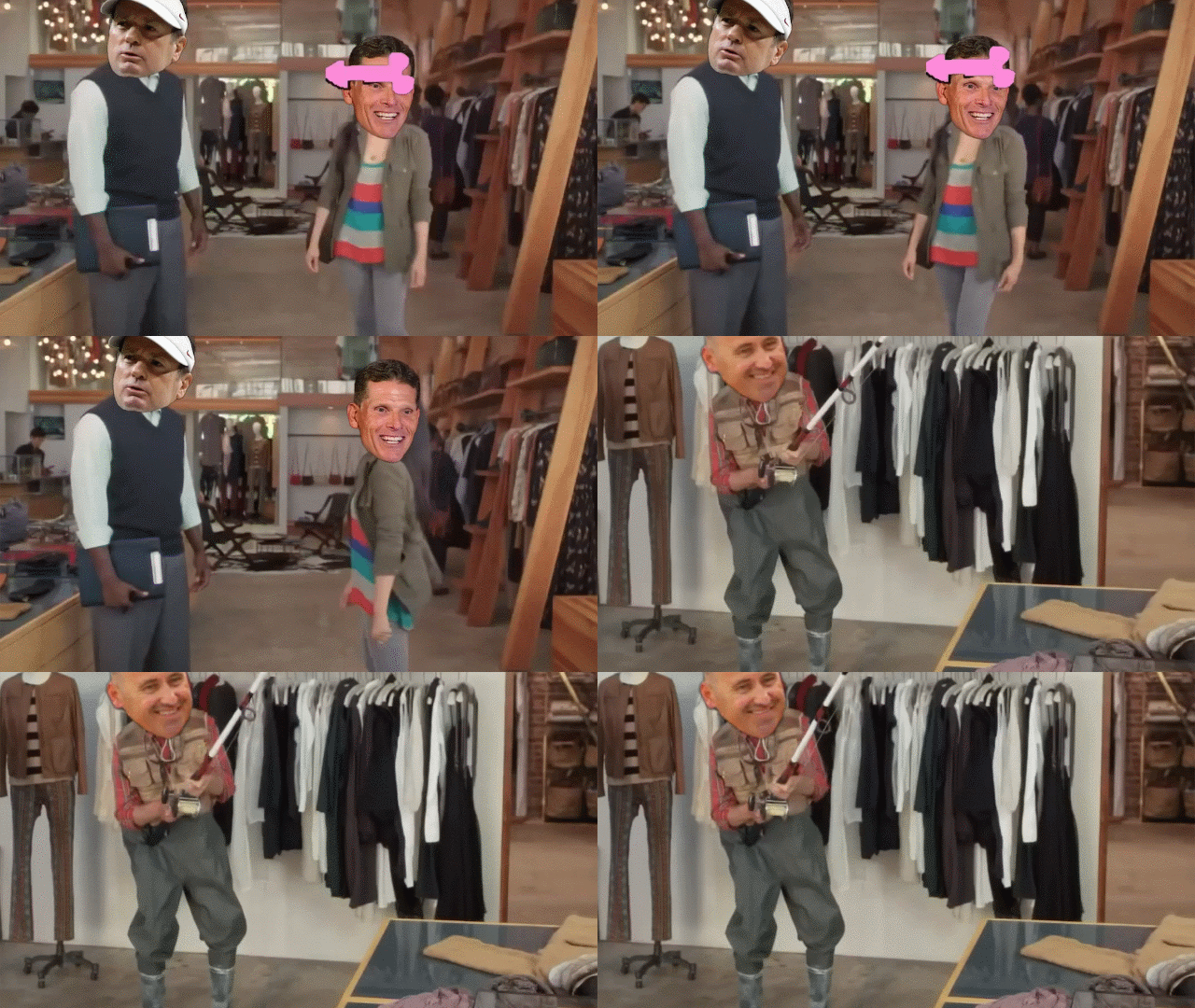
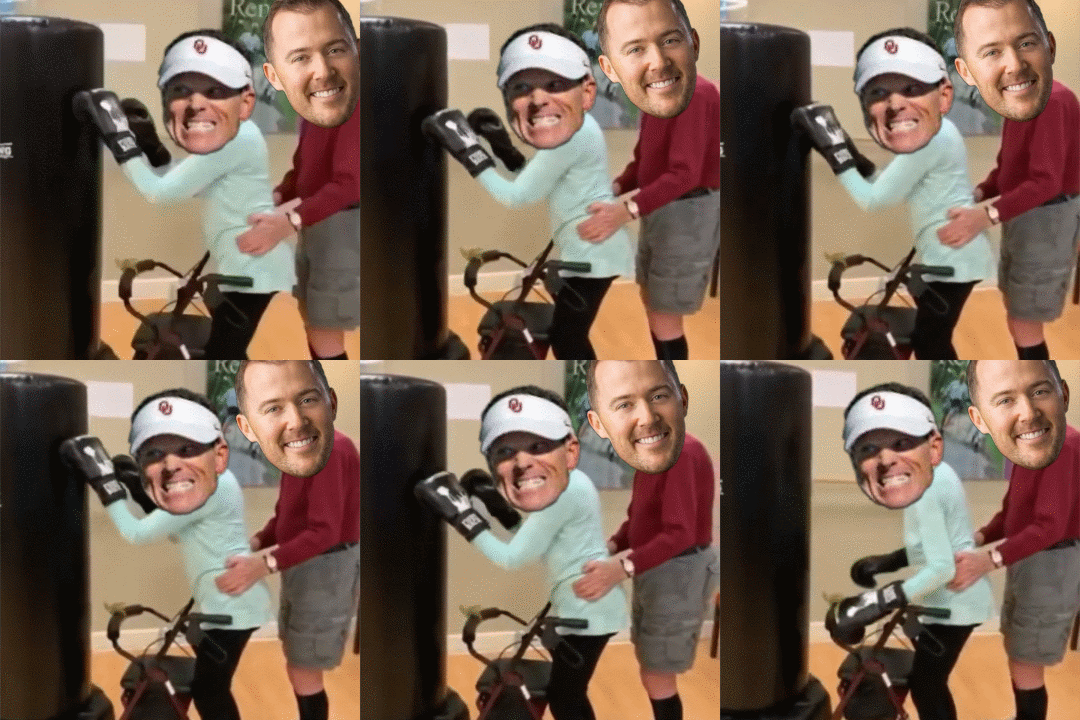
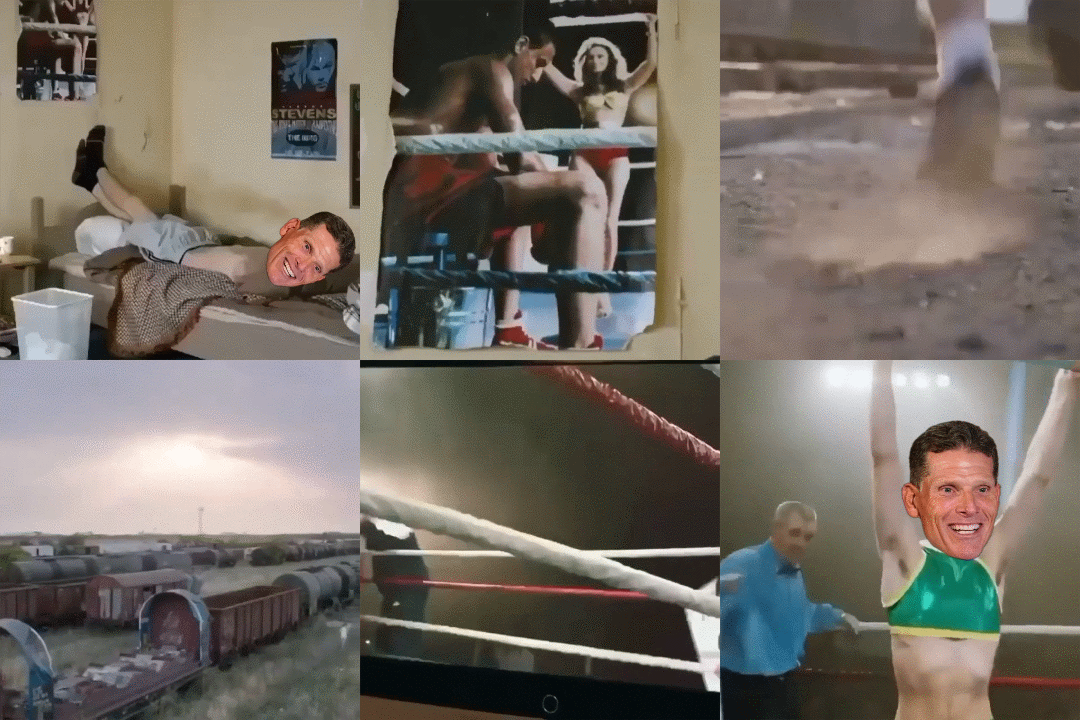 If you were on cell, it takes a bit. Better experienced on Wi-Fi. It is the tradeoff for not having them shrunk down on a hosting site.
Feel free, I dont have the tools to do it right. They are only hosted here.
Let's get this started. Quinn is back and OU still sucks.
If you were on cell, it takes a bit. Better experienced on Wi-Fi. It is the tradeoff for not having them shrunk down on a hosting site.
Feel free, I dont have the tools to do it right. They are only hosted here.
Let's get this started. Quinn is back and OU still sucks. Oh man, watching these guys over rotate on beating a dogshit team is going to be fun.
Not sure how I missed Gilbert coming back? When did this happen?
If you update this to a workplace zoom link, then I am all for it.
What in the ass is this?
It's more a notion of aggy not wanting to be publicly teabagged again this year by Texas.
The true definition of an asshat.
Breaking: Peyton Manning donates $10 Million to Texas One Fund "to protect Arch"... Also donates $3.50 to Tennessee NIL.Football ... Basketball ... Baseball ... Other Sports ... Futbol ... 🤫995🤫 ... Gambling ... Movies & TV ... Music ... Hobbies ... Lulz ... Food & Travel ... Daily Texan ... Business & Markets ... Cloak Room ... Help ... For Sale ... Board Discussion ... Advertise... Tailgate Donations
Oh man, watching these guys over rotate on beating a dogshit team is going to be fun.
Not sure how I missed Gilbert coming back? When did this happen?
If you update this to a workplace zoom link, then I am all for it.
What in the ass is this?
It's more a notion of aggy not wanting to be publicly teabagged again this year by Texas.
The true definition of an asshat.
Breaking: Peyton Manning donates $10 Million to Texas One Fund "to protect Arch"... Also donates $3.50 to Tennessee NIL.Football ... Basketball ... Baseball ... Other Sports ... Futbol ... 🤫995🤫 ... Gambling ... Movies & TV ... Music ... Hobbies ... Lulz ... Food & Travel ... Daily Texan ... Business & Markets ... Cloak Room ... Help ... For Sale ... Board Discussion ... Advertise... Tailgate DonationsAccount
Search
Configure browser push notifications
Chrome (Android)
- Tap the lock icon next to the address bar.
- Tap Permissions → Notifications.
- Adjust your preference.
Chrome (Desktop)
- Click the padlock icon in the address bar.
- Select Site settings.
- Find Notifications and adjust your preference.
Safari (iOS 16.4+)
- Ensure the site is installed via Add to Home Screen.
- Open Settings App → Notifications.
- Find your app name and adjust your preference.
Safari (macOS)
- Go to Safari → Preferences.
- Click the Websites tab.
- Select Notifications in the sidebar.
- Find this website and adjust your preference.
Edge (Android)
- Tap the lock icon next to the address bar.
- Tap Permissions.
- Find Notifications and adjust your preference.
Edge (Desktop)
- Click the padlock icon in the address bar.
- Click Permissions for this site.
- Find Notifications and adjust your preference.
Firefox (Android)
- Go to Settings → Site permissions.
- Tap Notifications.
- Find this site in the list and adjust your preference.
Firefox (Desktop)
- Open Firefox Settings.
- Search for Notifications.
- Find this site in the list and adjust your preference.